
A clearer first conversation
Start with the customer's selected pergola and project context.
PERGOLA INSTALLER SOFTWARE
Bring customer enquiries, 3D pergola designs and quote details into one connected sales journey. Built around the products you install and the way your team works.
Your products. Your prices. Your process.
Garden project
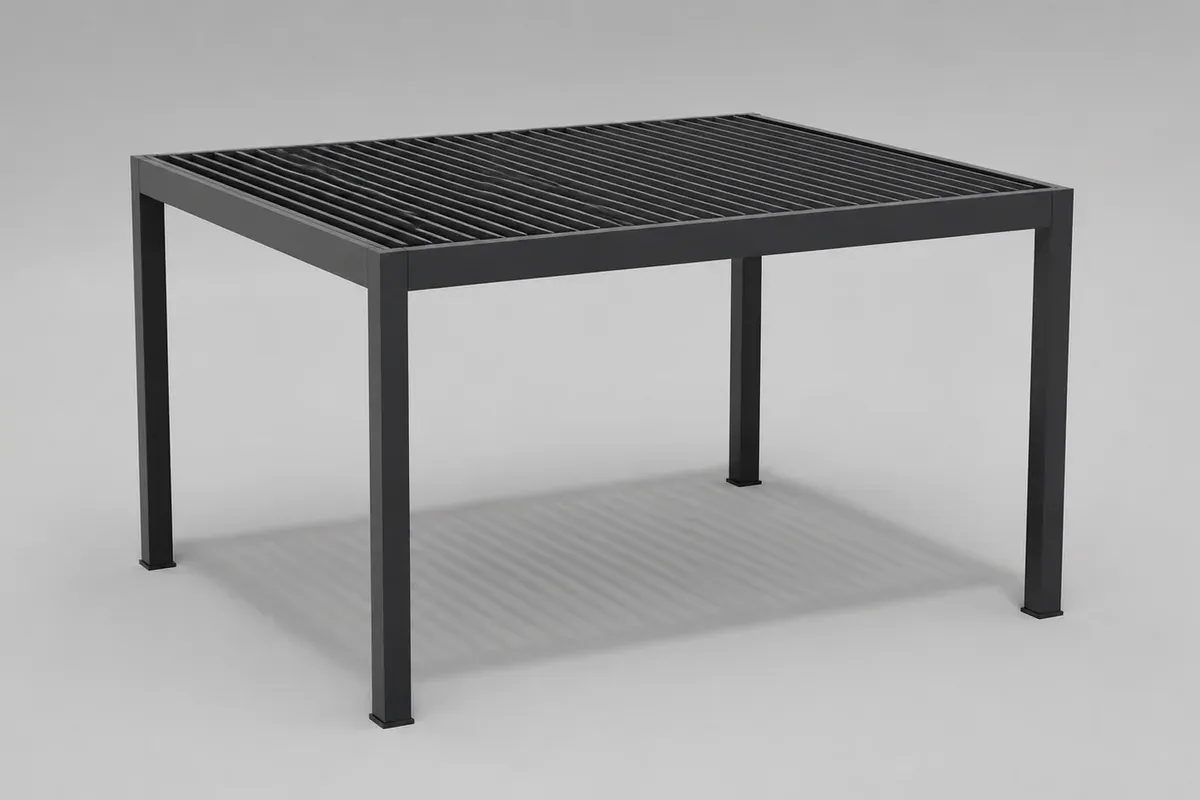
Dimensions
Choose a finish to update the preview.
Dimensions · Roof · Finish · Sides
Your pergola proposal
FROM ENQUIRY TO NEXT STEP
Pergola installer software brings product selection and commercial follow-up into a shared project record. Configurix connects what the customer sees with the information your team needs to review, quote and prepare the next step.
Start with the customer's selected pergola and project context.
Connect sizes, roof systems, screens, glazing and finishes to your actual catalog. Make the permitted combinations clear.
Keep products, options and the quoted version together.
Keep the product journey and proposal aligned with your identity, languages and customer-facing wording.
Pass the agreed specification and site notes to the next person.
Bring products, options, installation and delivery into a proposal your team can review and explain.

A Configurix customer project
For Tenteks Italia, Configurix implemented Pergotenda and bioclimatic pergola configurators within a multi-product system, alongside the software and website.
What was implemented
BUILT AROUND YOUR RANGE
Use a 3D pergola configurator to review the system, dimensions, roof, finishes and side elements. Keep the choices within the range and combinations your business offers.
Features
Your catalog and model references
Supported sizes and combinations
A shared visual specification
Branded proposals
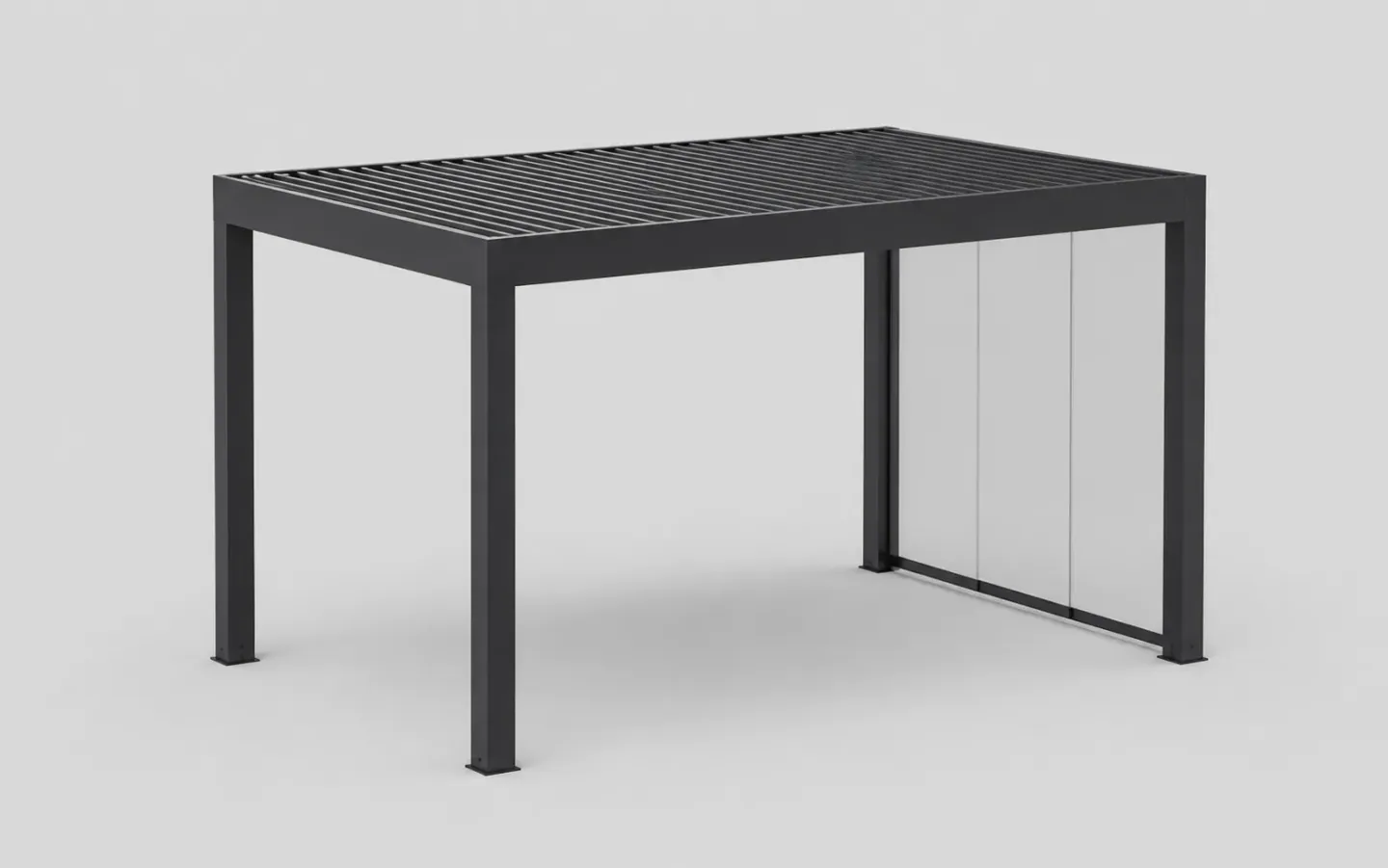
A closer look
Help customers explore the structures, finishes and side options in your catalog, in the context of their project.
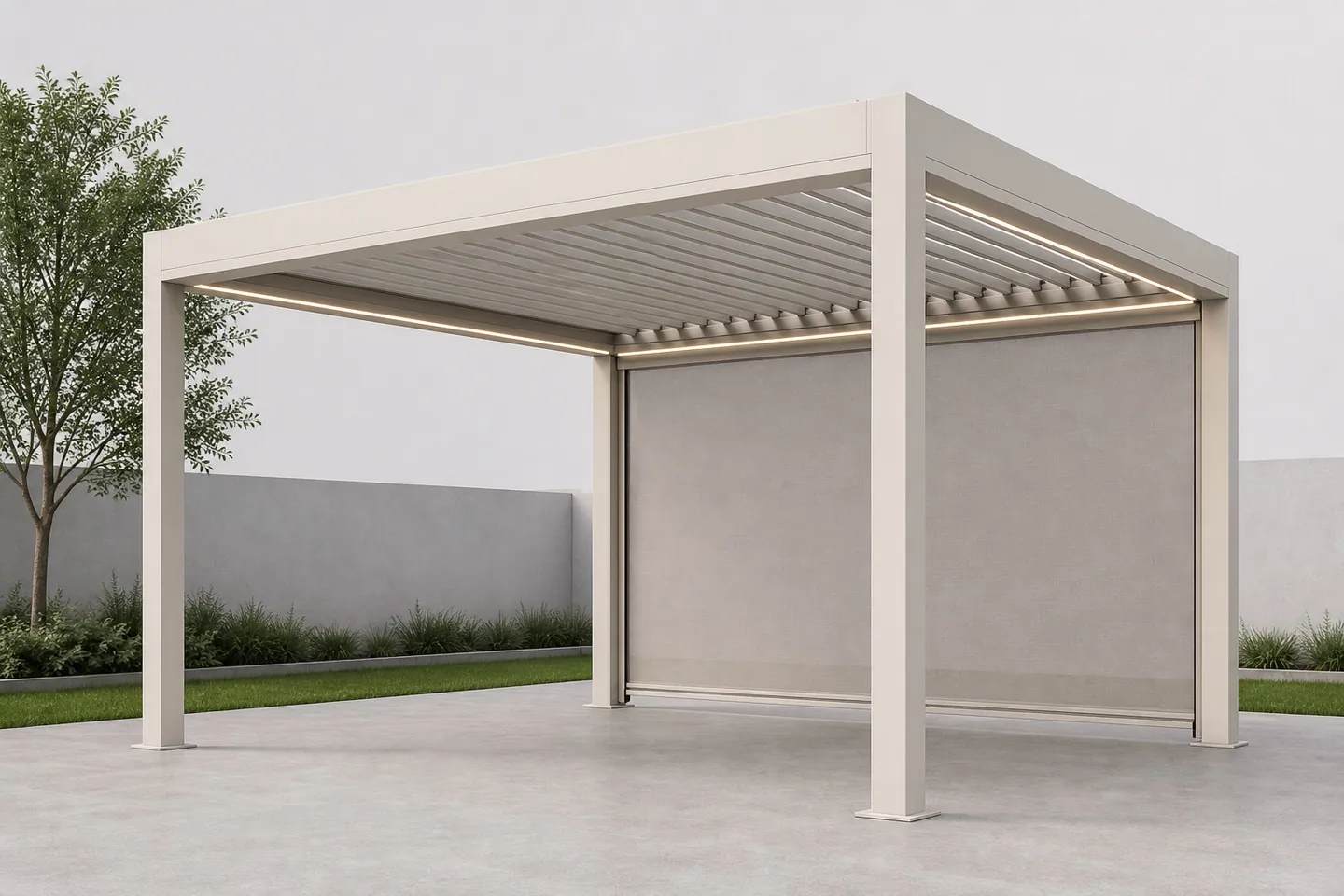
Show roof, lighting and screen options together.
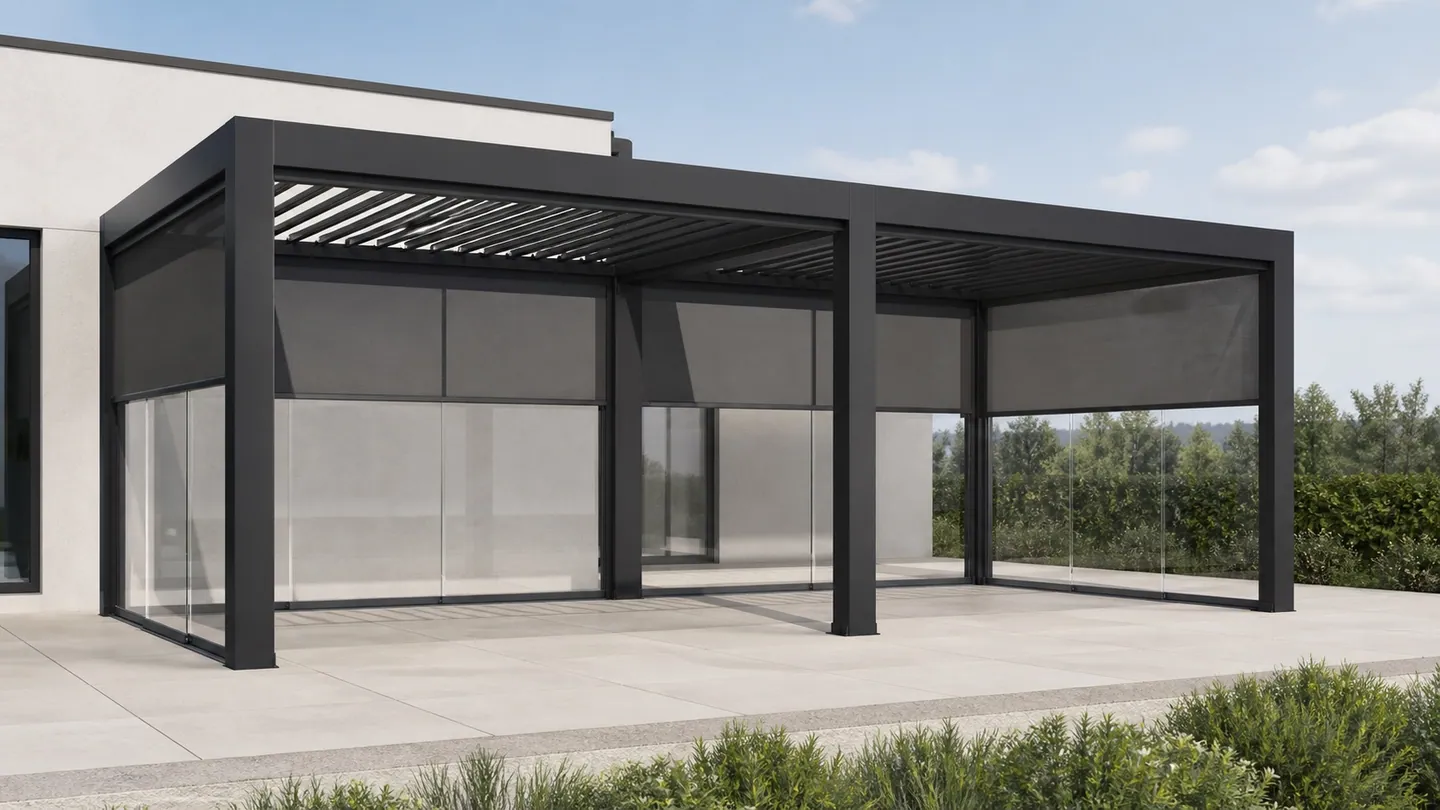
Make larger layouts and side choices easier to discuss.
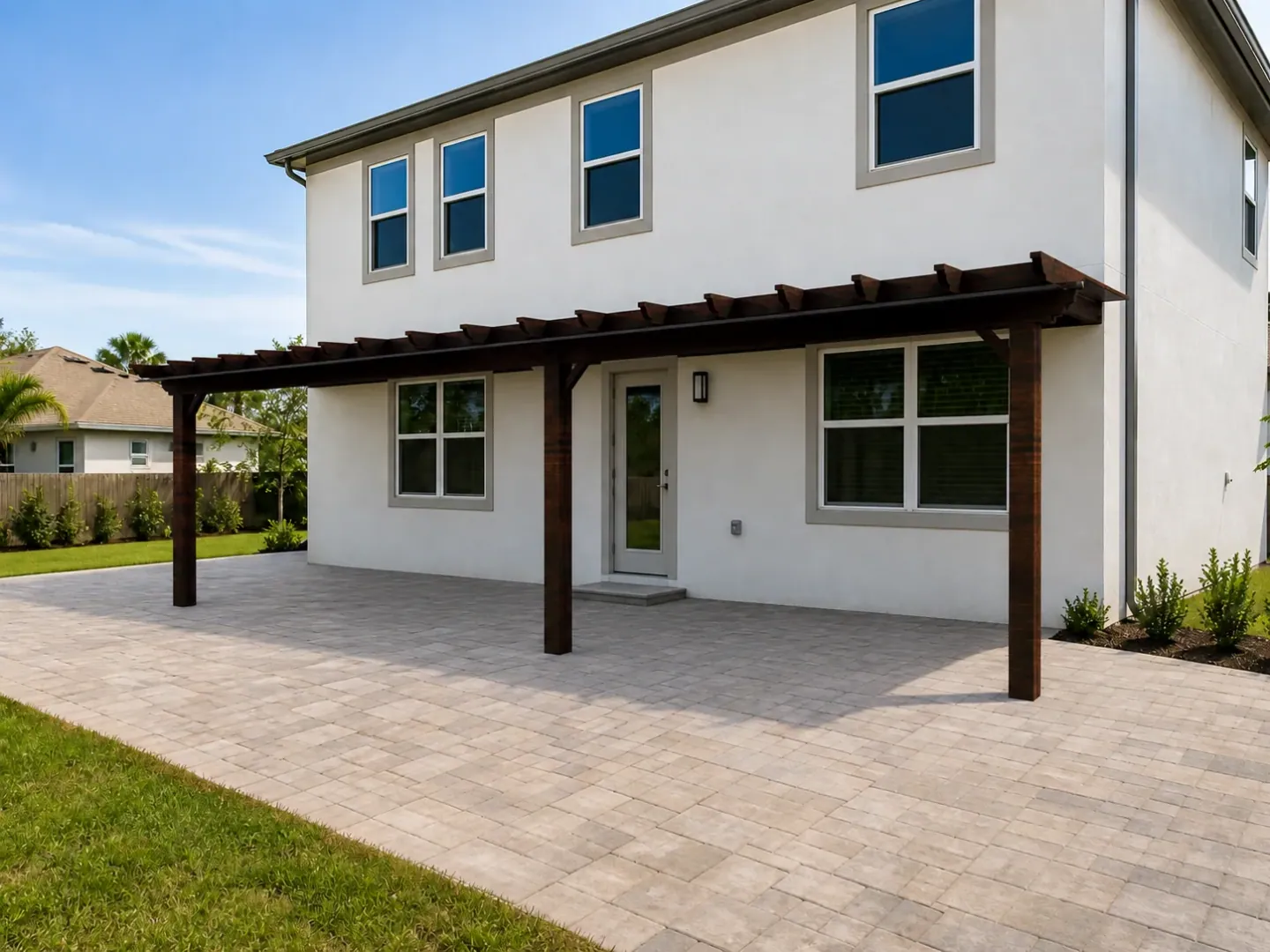
Give timber ranges their own visual identity.
A wall-mounted pergola, a freestanding model and a multi-bay system may have different size ranges and dependencies. Define model references, dimension increments, roof options and compatible side elements with your supplier. Those rules give the 3D selection its commercial meaning.
Agree which items come from catalog prices and which need project review: structure, motors, lighting, screens, glazing, delivery or installation. Record allowances, exclusions, discounts and applicable tax treatment in the proposal setup. Define how a price-list change affects a draft, a sent quote and an accepted version.
QUOTING
Build the commercial proposal around the selected pergola and your agreed price rules. Keep product options, services, terms and revisions clear before the customer makes a decision.
Features
Product, accessories and services
Price rules and commercial review
A proposal in your own brand
Commercial terms
Your pergola proposal
Revision 02
Ready for team review
READY FOR THE NEXT CONVERSATION
Carry the selected specification, proposal version and site notes into preparation for the survey or installation. Agree who checks the measurements and who confirms that the project is ready.
Features
The selected product specification
Site notes and outstanding checks
A clear owner for the next step
Review access and fixing conditions
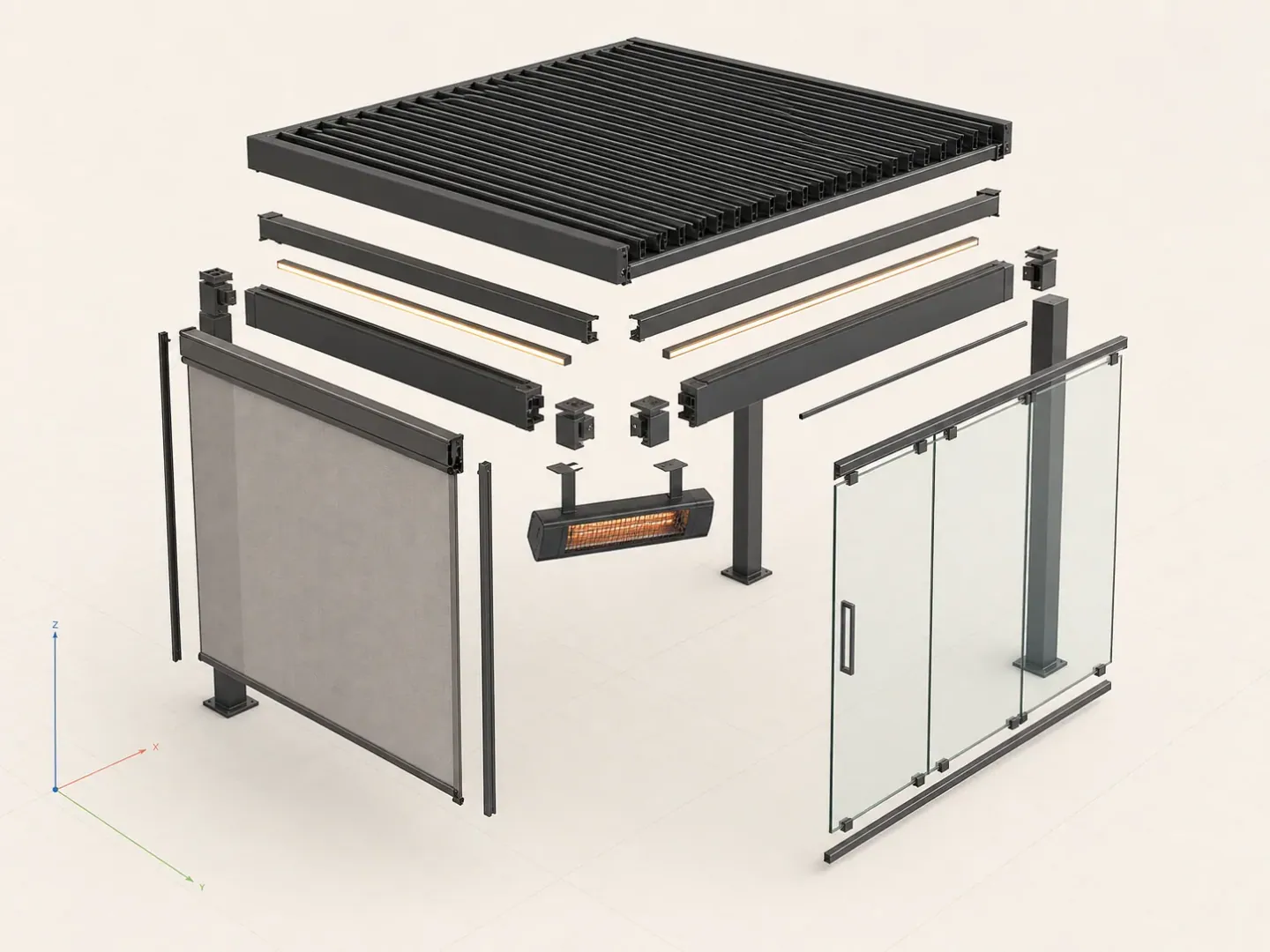
The 3D selection supports the discussion. Site measurement and technical approval remain part of your review process.
FIT THE WAY YOU WORK
Start with the tools and records you already rely on. Define what should stay, what should connect and what a new Configurix workflow needs to cover.
Features
CRM & customer records
Plan ownership, contact fields, project history and the information that moves between systems.
Visits, calendars & crews
Agree booking steps, responsibilities and the calendar or job-planning connection your team needs.
Proposals & customer access
Scope how customers receive proposals, review revisions and confirm decisions. Include portal or signature requirements where needed.
Reporting & integrations
Define the stages and data behind your reporting, plus any accounting, CRM or API handoff.

For each connection, agree the source and destination, required fields, access permissions, update direction and error handling. Review a sample import before migrating customer or project records. Hosting, retention, data-processing terms and any signature requirements are documented for the selected implementation. Integrations are scoped against your actual tools and interfaces.
Before you choose
Make the first release useful for an enquiry, a quotation and the next person responsible for the project.
Agree the product choices and project information needed before your team follows up. Keep the selected configuration with the enquiry.
Bring one normal quotation, an option change and your service charges. Decide which prices are public and what needs approval.
Define who verifies dimensions, access and installation readiness. Decide what the surveyor or installation team receives from the accepted project.
Define which product and price changes your team can make, which need implementation support, and how updates affect existing projects. Include hosting, support responsibilities, change requests and acceptance checks in the proposal.
Configurator + custom software
We specialize in complex, configurable products. Configurix can build custom software around your pergola range and installation process, from qualified enquiries and appointments to quotes, supplier component lists, jobs, orders and invoicing.
Pergola configurator software
Width and projection · Roof systems and side infill · Frame finishes and accessories
Capture the selected product, dimensions and options with each enquiry. Qualify by product fit, project requirements and commercial readiness, then assign the next action to the right salesperson.
New enquiry
Configured product
Product fitQualified
Configured product
RequirementsProposal
Configured product
Next actionLet a configured project continue into a sales consultation, technical review, survey or installation appointment. Connect calendars, responsibilities and reminders to the same customer record.
Map product selections to component codes, quantities, materials and cut lengths. Build the sales or manufacturing BOM your team needs, with revisions and production review rules defined for your products.
| Component | Quantity |
|---|---|
| FRM-01Structural profiles | 1 |
| PNL-02Roof components | 1 |
| KIT-03Accessory kits | 1 |
Mapped to your product codes
Apply your own formulas, price lists, dealer margins and approval rules. Generate a quote containing the saved specification, product images, commercial terms and a clear customer approval step.
Quote revision
Carry accepted choices into order lines and assigned jobs. Keep product revisions, required approvals, documents and delivery tasks together so sales and the factory work from the same specification.
Connect accepted orders to deposits, invoice drafts, payment terms and your accounting workflow. Agree which system issues the invoice and how references and confirmed payment status return to the project.
Configured product
Launch a branded configurator in your existing website or a custom sales portal. Connect CRM, ERP, PIM, ecommerce, calendars and accounting through available APIs, webhooks or agreed imports. We define the data, permissions and responsibilities for each connection with your team.
Choose the workflows your implementation needs. We build and validate them against your products, documents and target systems.
Plan your manufacturing configuratorYOUR NEXT PROJECT STARTS HERE
Show us the pergolas you sell and how a project moves through your business. We'll discuss the product experience, quote process and handoff that fit your team.
2 min
Tell us about your pergola ranges, team and current quotation process.
BEFORE YOU CHOOSE