
Customer projects and product workflows
Customer projects built with Configurix.
See the configurators and sales software we built for Elite Aluminum and Tenteks Italia. We specialize in complex products and build custom configurators and business or factory software around each catalogue, commercial process and required output.
Discuss your configurator
From product choices to working business software.
Explore each customer’s confirmed implementation and original product views.

Elite Aluminum
Pergola and sunroom configuration. Automatic quotes with item SKUs.
Configurix built pergola and sunroom configurators for Elite Aluminum, together with software that generates quotations automatically and includes SKU numbers for individual items.
- Pergola configurator
- Sunroom configurator
- Automatic quotations with item SKU numbers
More project views — Elite Aluminum


Tenteks Italia
Pergotenda and bioclimatic pergolas. One multi-product system.
For Tenteks Italia, Configurix implemented Pergotenda and bioclimatic pergola configurators within a multi-product system, alongside the software and website.
- Pergotenda configurator
- Bioclimatic pergola configurator
- Multi-product software and website
More project views — Tenteks Italia


Different products. Different rules. One configurable system.
Explore the inputs, rules and outputs that change across pergolas, verandas, garden rooms, awnings, doors, windows, fences and gates. Use this product-workflow planner to map your own requirements.
Manufacturer, dealer network or installer
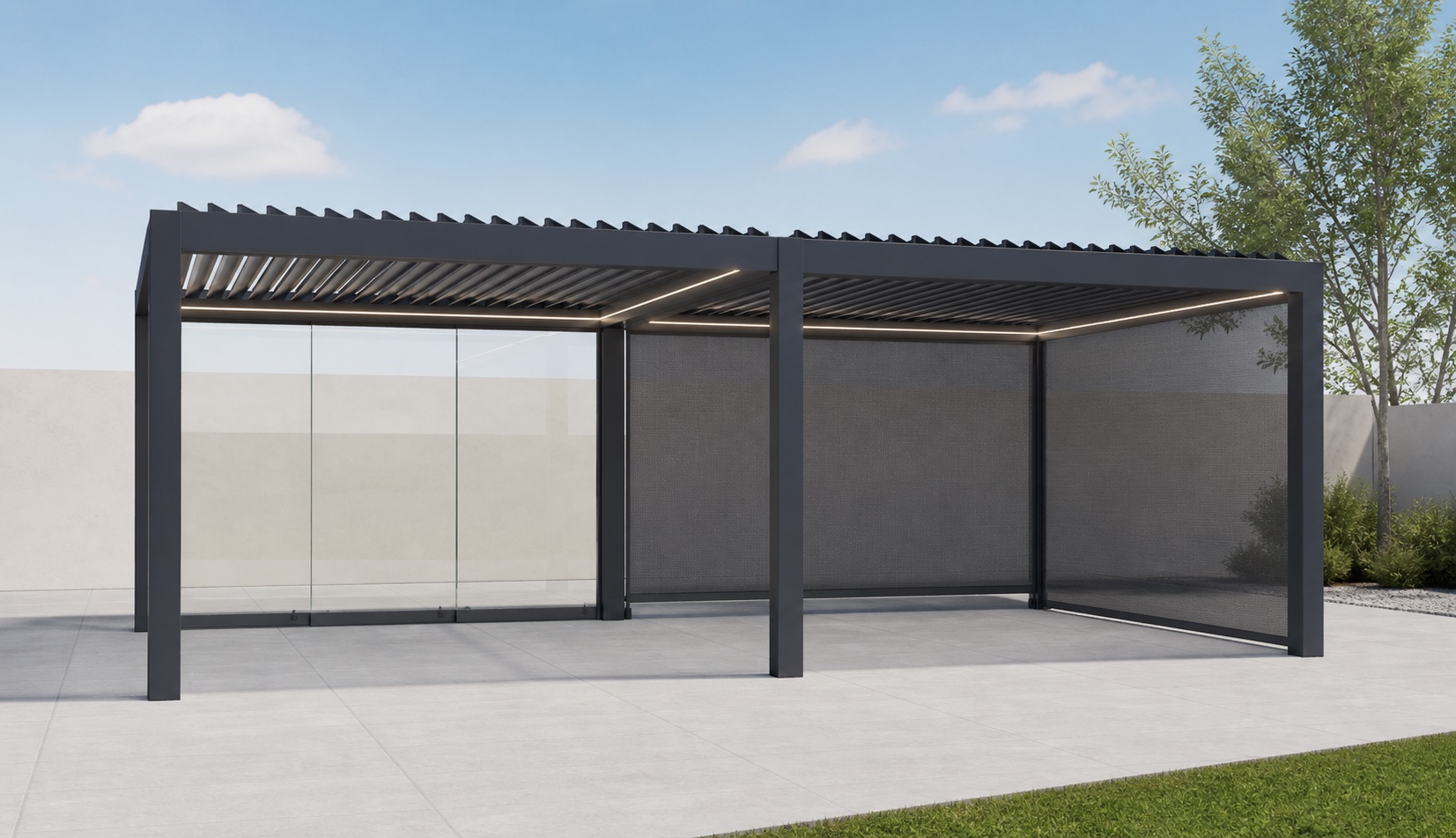
Configure a made-to-measure pergola and preserve the exact customer choice.
The user selects structure, dimensions, louver zones, screens, glass, lighting, heating and finish inside approved product limits. The same saved pergola can drive pricing, a branded proposal and the scoped order or production data.
- Product inputs
- Dimensions · Roof zones · Screens · Glass · Finish
- Connected product record
- 3D design · Price · Quote · BOM data
Glazing brand, dealer or project-sales team
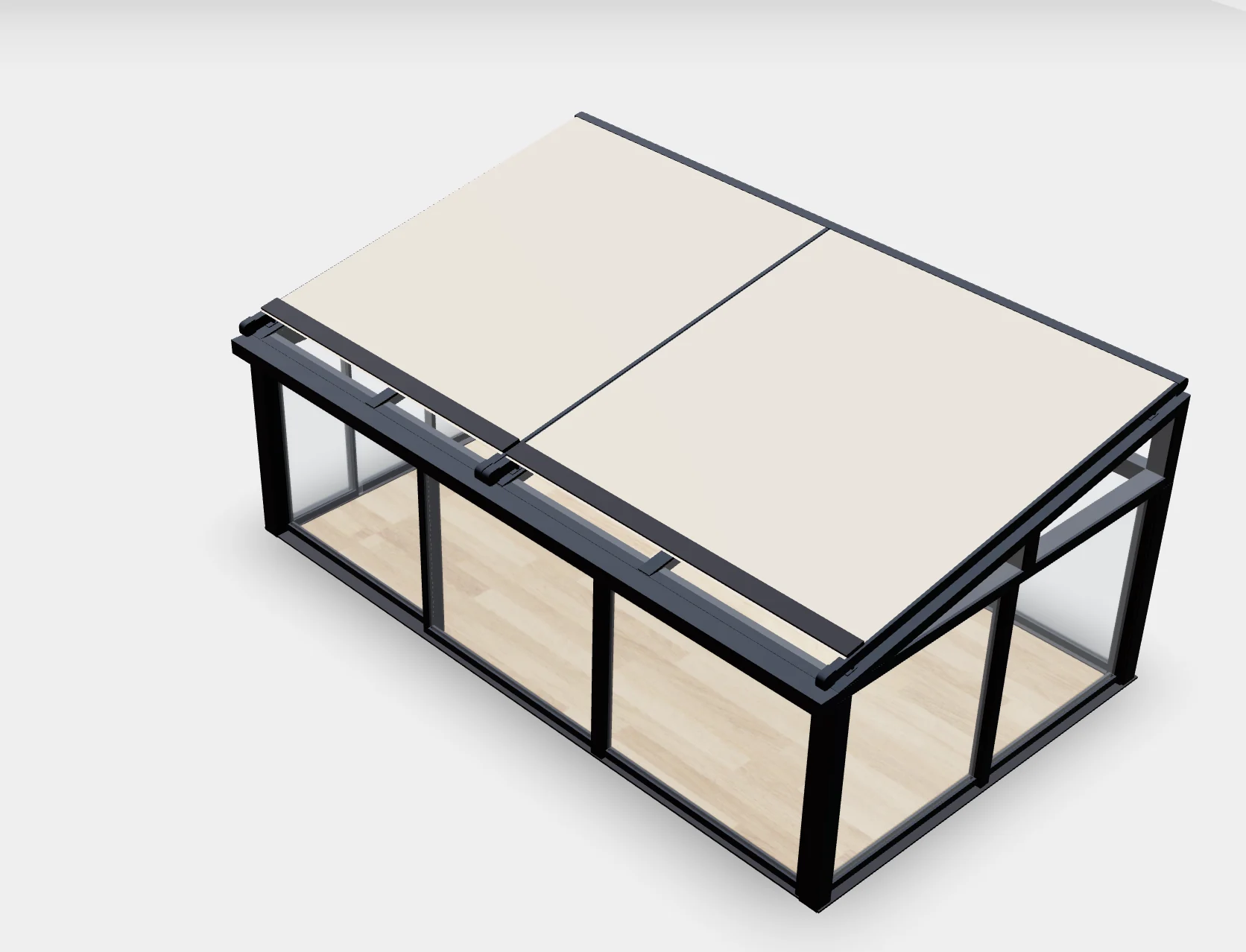
Keep profiles, roof glazing and enclosure choices connected to the quote.
A veranda workflow can guide width, projection, roof pitch, posts, glass type, sliding walls, doors, drainage and finishes. Compatibility rules and commercial formulas determine which options are valid and how the configured project is priced.
- Product inputs
- Site dimensions · Profiles · Glazing · Doors · Drainage
- Connected product record
- Valid design · Commercial price · Project record
Modular-building manufacturer or retailer
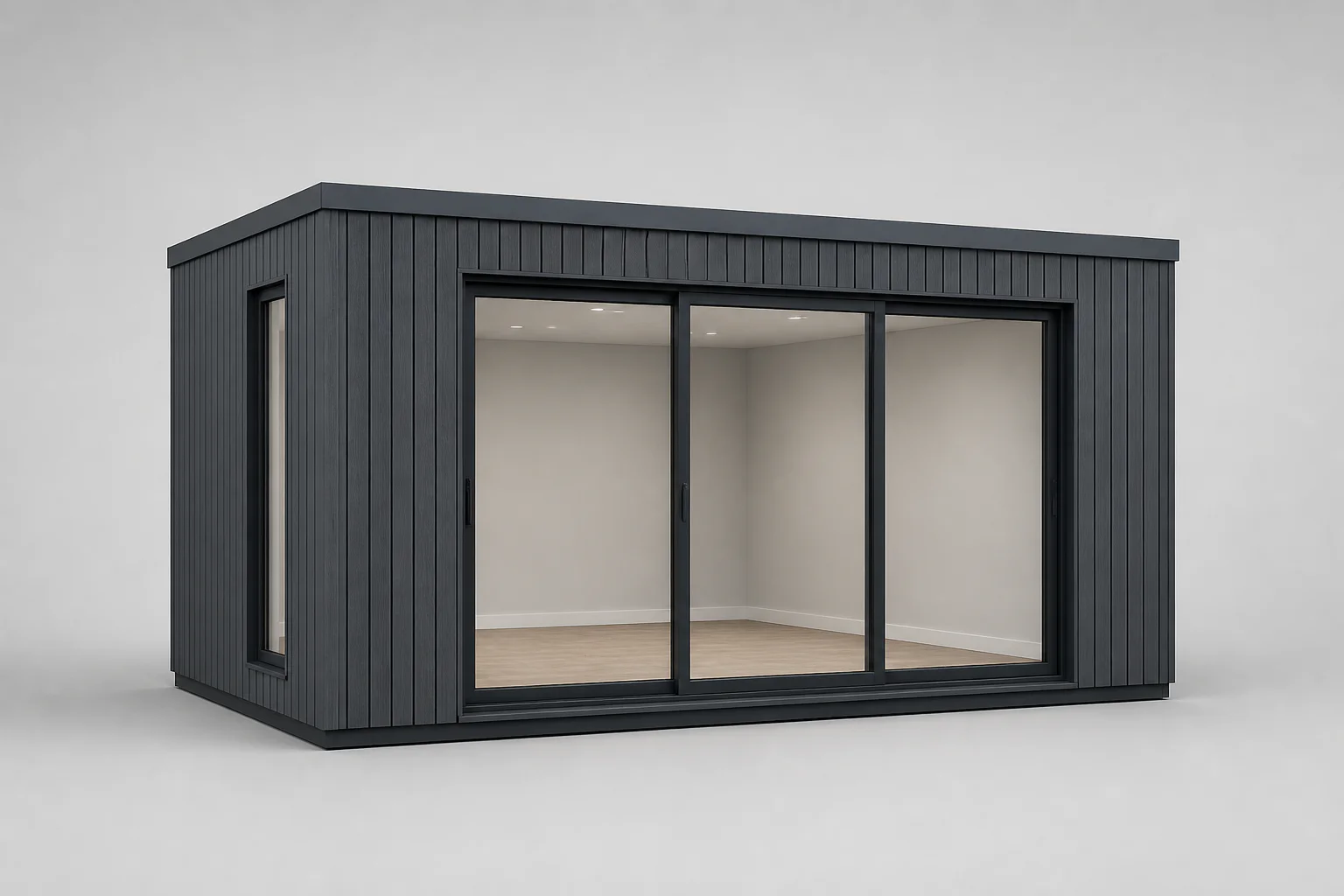
Turn room size, openings and packages into one structured specification.
Customers or salespeople can choose dimensions, layout, cladding, roof, doors, windows, insulation, electrical packages and interior options. Configurix can connect those selections to price, proposal and the agreed delivery fields.
- Product inputs
- Layout · Cladding · Openings · Insulation · Packages
- Connected product record
- Configured room · Price · Quote · Handoff
Brand, distributor or installation business
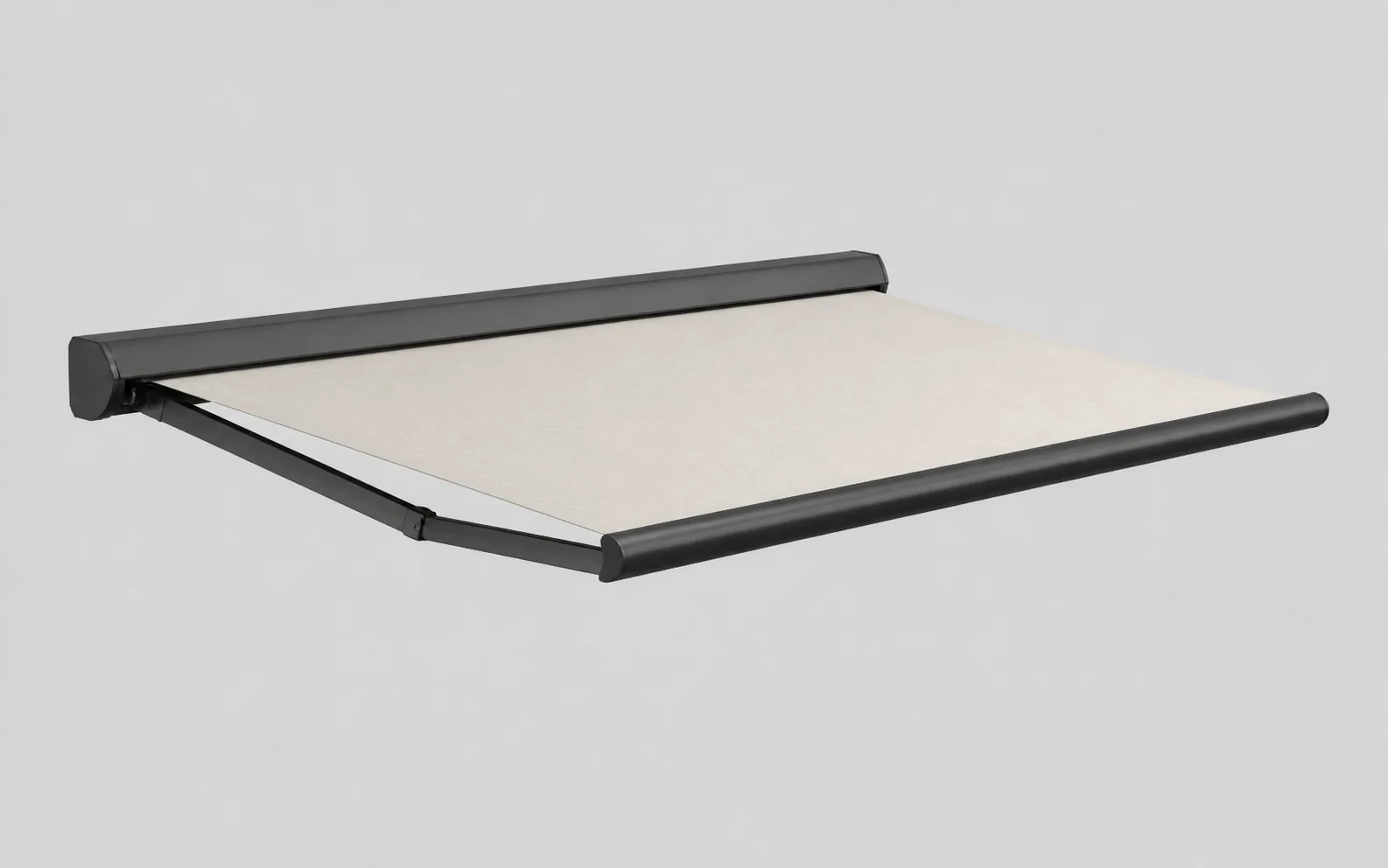
Guide cassette, fabric, controls and installation options by product range.
The configurator can express permitted widths, projections, mounting types, fabrics, valances, motors, controls, lighting and sensors. Market, dealer and customer roles can receive the correct catalogue, language and commercial rules.
- Product inputs
- Width · Projection · Fabric · Motor · Mounting
- Connected product record
- Product variant · Live price · Lead or quote
Building-product manufacturer or dealer
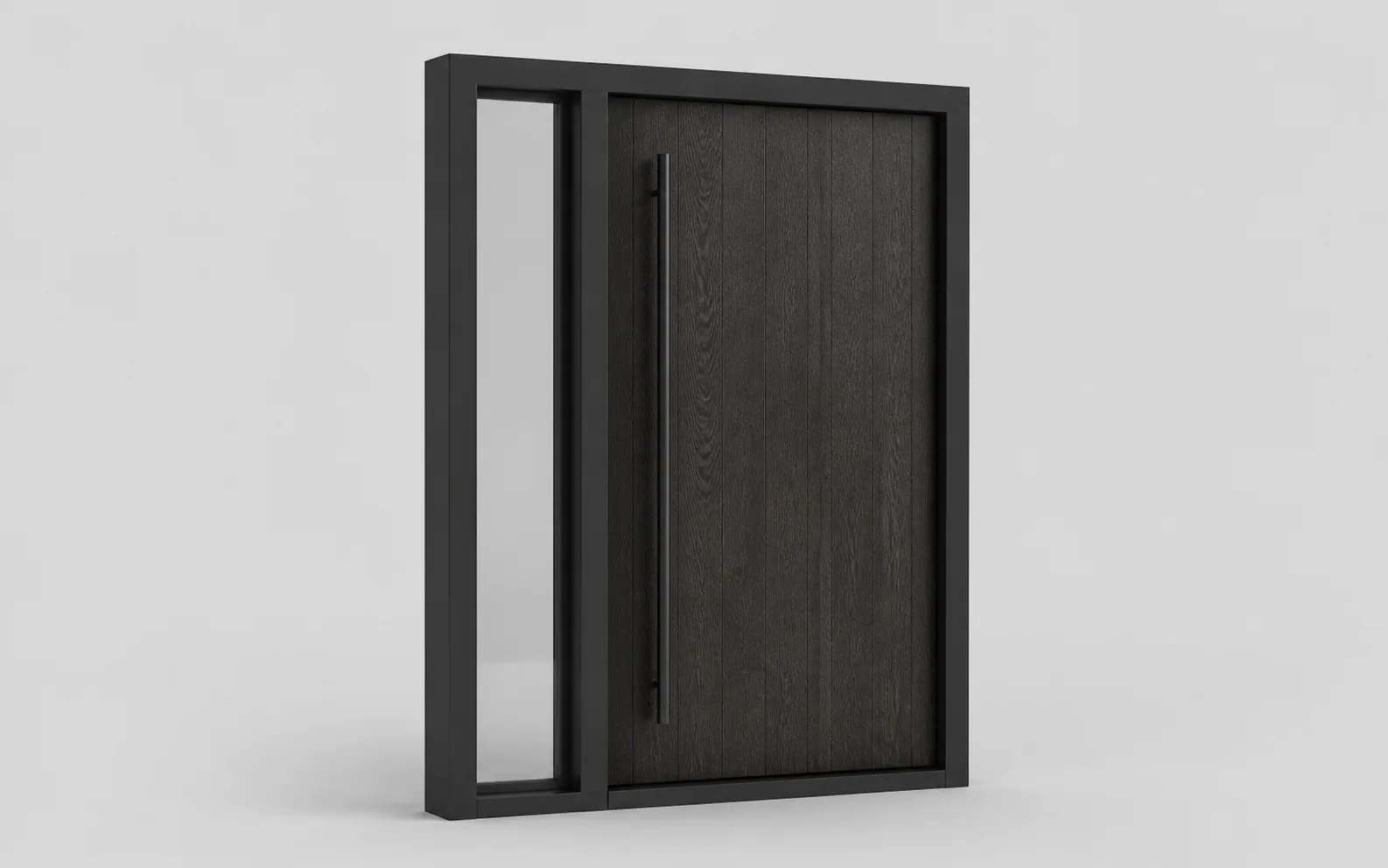
Configure openings, panels, hardware and performance options without invalid combinations.
A rule-driven door or window flow can manage size ranges, frame systems, panel layouts, opening direction, glazing, hardware, colours and accessory dependencies. The selected unit remains available for pricing, documents and downstream integration.
- Product inputs
- Size · Layout · Opening · Glazing · Hardware
- Connected product record
- Valid unit · Price · Document · Order data
Manufacturer, retailer or installer
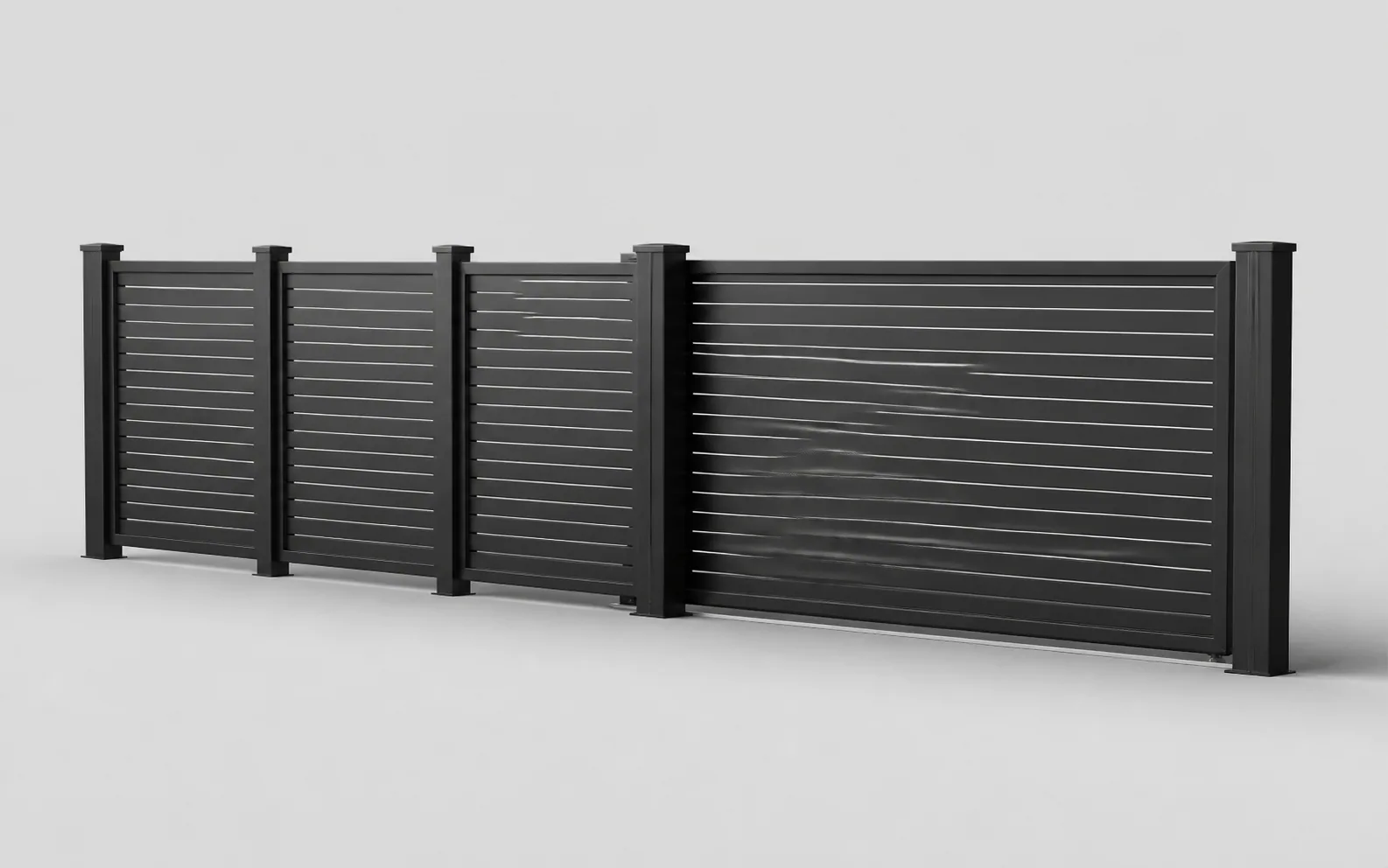
Build a complete run from dimensions, modules, posts, infill and access points.
Lengths, heights, terrain steps, panel modules, posts, gates, motors, finishes and installation requirements can be structured as one project. The resulting configuration can support a customer price and the agreed material or installation record.
- Product inputs
- Runs · Heights · Modules · Gates · Automation
- Connected product record
- Site configuration · Quote · Project data
Your notes stay in this browser tab. Download the requirements or start again. This planner does not create a quote, connect another system or send your notes to the enquiry form.
The workflow follows the product and business model.
Configurix is configured around the catalogue, users, commercial logic and required outputs agreed for each implementation.
Catalogue and product rules
Each implementation maps the actual product families, dimensions, components, materials, compatible options, required selections and review conditions.
Commercial model
Price lists, formulas, labour, delivery, tax, margins, discounts, currencies and approval permissions are configured for the agreed selling process.
Customer and project outputs
The scope can include saved configurations, lead records, estimates, quotes, approvals, documents, BOM fields and structured downstream data.
Markets, brands and roles
White-label presentation, catalogues, languages, domains, dealer access and internal permissions can differ while the underlying product rules stay governed.
Start with one product your team can verify end to end.
A useful discovery process does not begin with every SKU. It begins with a product that exposes the real geometry, rule, pricing, document and handoff requirements of the wider catalogue.
- 1
Define the user and decision
Identify whether the journey is for a public buyer, salesperson, dealer, surveyor or catalogue administrator and what decision that user must complete.
- 2
Choose a representative product
Use a product containing real dimensions, dependent options, exclusions, prices and an output your team already knows how to verify.
- 3
Map the commercial path
Document when price is shown, who can discount, what becomes a lead or quote, how revisions work and which approval is required.
- 4
Specify the next system
List the exact project fields that must reach CRM, ERP, ecommerce, document, scheduling or order workflows and who owns each integration.
- 5
Test the complete record
Run valid, invalid and boundary products through configuration, price, quote, revision and handoff before accepting the implementation.
Verify the complete result against known examples.
Visual quality matters, but a production evaluation should also prove valid product logic, reconciled pricing, traceable revisions and usable downstream data.
- A representative valid product produces the expected saved specification.
- Minimum, maximum, dependent and incompatible choices behave as agreed.
- A known commercial example reconciles to the expected price and rounding policy.
- A revised configuration produces the correct quote and preserves project history.
- The agreed CRM, ERP, ecommerce or order payload contains the required identifiers and fields.
Custom software for manufacturers
A configurator up front. Your business connected behind it.
We specialize in complex, configurable and made-to-order products. We build custom software around your catalogue, calculations, permissions, sales process and factory workflows.
Build around your own product range.
For your business, we can scope custom CRM and lead qualification, calendars and appointments, quotes and pricing, materials and BOMs, jobs, orders and invoicing. These capabilities are defined for your project; each customer’s confirmed scope is described separately above.
CRM and qualified leads
Capture the selected product, dimensions and options with each enquiry. Qualify by product fit, project requirements and commercial readiness, then assign the next action to the right salesperson.
New enquiry
Your product range or business
Product fitQualified
Your product range or business
RequirementsProposal
Your product range or business
Next actionCalendars and appointments
Let a configured project continue into a sales consultation, technical review, survey or installation appointment. Connect calendars, responsibilities and reminders to the same customer record.
- 09:00Project review
- 11:30Technical review
- 14:00Production planning
Bill of materials and factory data
Map product selections to component codes, quantities, materials and cut lengths. Build the sales or manufacturing BOM your team needs, with revisions and production review rules defined for your products.
| Component | Quantity |
|---|---|
| FRM-01Configured components | 1 |
| PNL-02Materials and quantities | 1 |
| KIT-03Agreed operations | 1 |
Mapped to your product codes
Live prices and branded quotes
Apply your own formulas, price lists, dealer margins and approval rules. Generate a quote containing the saved specification, product images, commercial terms and a clear customer approval step.
Quote revision
Orders, jobs and production
Carry accepted choices into order lines and assigned jobs. Keep product revisions, required approvals, documents and delivery tasks together so sales and the factory work from the same specification.
- Accepted quote01
- Configured order02
- Production job03
- Installation04
Invoicing and accounting
Connect accepted orders to deposits, invoice drafts, payment terms and your accounting workflow. Agree which system issues the invoice and how references and confirmed payment status return to the project.
Your product range or business
Built for your website. Connected to your systems.
Launch a branded configurator in your existing website or a custom sales portal. Connect CRM, ERP, PIM, ecommerce, calendars and accounting through available APIs, webhooks or agreed imports. We define the data, permissions and responsibilities for each connection with your team.
- 01Your website
- 02Configurator
- 03CRM & calendar
- 04ERP & accounting
Choose the workflows your implementation needs. We build and validate them against your products, documents and target systems.
Discuss your configuratorQuestions about customer projects and custom software.
Connect your products to your next sale.
We build custom configurators and business or factory software for complex products. Tell us about your catalogue, users, product rules and the sales or production workflow you want to connect.