
Phase 3: 3D Asset Pipeline and Configurator UX for the Web
Prepare accurate browser-ready 3D assets and design a clear, responsive configurator experience that keeps product state, price and customer intent connected.
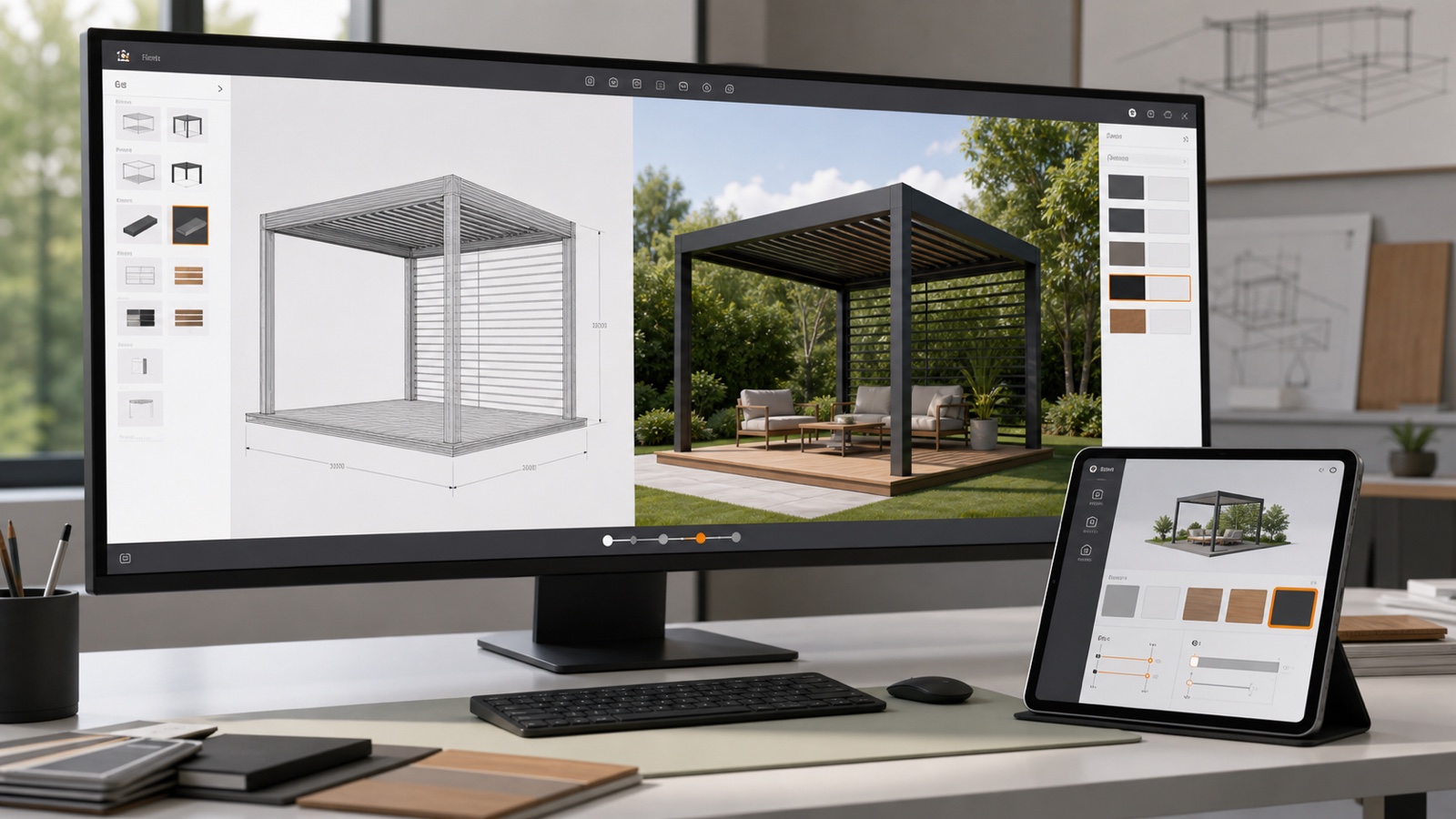
Table of contents
- Why CAD files are not automatically web configurator assets
- Choose a delivery format and pipeline deliberately
- Create one visual identity per product state
- Decide what must be photorealistic
- Design the journey around decisions
- Use progressive disclosure
- Keep dimensions understandable
- Design for mobile, tablet and desktop
- Build accessibility into the interaction
- Treat performance as a product requirement
- How Configurix approaches phase 3
- Validate the visual experience with real tasks
- Common phase-3 mistakes
- Optimizing the hero view but not the largest product
- Using fake dimensions for visual balance
- Making mobile controls an overlay maze
- Treating AR as automatic
- Approving screenshots instead of interaction
- Phase 3 completion checklist
- Frequently asked questions
- Does Configurix always use photorealistic rendering?
- Can Configurix run on an existing website?
- Can the configurator use any language?
- Is AR required for a 3D configurator?
Phase 3 gives the governed product model a visual and interactive form. It covers two connected disciplines: preparing 3D assets that can change correctly in a browser, and designing a user experience that helps customers or salespeople make valid decisions without becoming overwhelmed.
High-quality rendering alone is not the goal. A useful configurator must preserve product identity, respond quickly, explain choices, work on supported devices and keep the visible design synchronized with price, quote and saved project data.
Implementation series: Phase 1 — discovery and requirements · Phase 2 — product data, rules and pricing · Phase 3 — 3D assets and UX · Phase 4 — integrations and testing · Phase 5 — launch and optimization
Why CAD files are not automatically web configurator assets
CAD and engineering models are designed for authoring, analysis or manufacturing. They may contain precise geometry, internal parts, construction history and metadata that are valuable upstream but expensive or unnecessary for real-time browser rendering.
A web asset often needs:
- an accepted coordinate system, scale and orientation;
- clean hierarchy and stable component names;
- separated configurable parts;
- appropriate polygon density;
- efficient instances for repeated components;
- UVs, materials and textures suited to real-time rendering;
- defined pivots and transforms for moving parts;
- level-of-detail or loading strategy for complex scenes;
- mappings back to product and option IDs.
The source model remains an engineering authority where appropriate. The browser asset is a delivery representation prepared for interaction.
Choose a delivery format and pipeline deliberately
glTF and binary GLB are widely used for runtime 3D delivery. The Khronos Group describes glTF as a royalty-free specification designed for efficient transmission and loading of 3D scenes and models, including scenes, nodes, meshes, materials, textures and animation (Khronos glTF).
That does not mean every project must use one format or that converting a file completes the pipeline. Validate:
- geometric scale and orientation;
- node and material structure;
- compression and visual artifacts;
- texture size and colour behavior;
- transparency and glass rendering;
- animation and configurable transforms;
- performance on supported devices;
- correspondence with saved configuration data.
The 3D product configurator asset pipeline guide covers source inspection, optimization, materials, variants, validation and release in more detail.
Create one visual identity per product state
Every visible state should be traceable to structured configuration. Avoid relying on scene-object names or material order that can change during asset export.
A reliable mapping might connect:
- product option
finish.anthraciteto the accepted frame material; - option
roof.louveredto the louver roof assembly; - parameter
widthto frame span and module count; - option
screen.leftto the left screen assembly and dependent motor; - option
lighting.integratedto channels, lights and quote description.
When the user changes an option, 3D, price, saved state and output should all refer to the same ID. This is why phase 2 must be accepted before visual polish becomes the main focus.
Decide what must be photorealistic
Photorealism can help buyers evaluate finish, proportion and context, but it must not hide uncertainty. Prioritize the visual decisions that affect purchase confidence:
- overall scale and layout;
- product silhouette and modules;
- opening direction or moving elements;
- colour and material families;
- glazing, screens, cladding and accessories;
- relationship to a simple environment.
Do not imply engineering precision through rendering alone. A realistic image is not proof of structural, thermal, electrical or site suitability.
Configurix can provide real-time browser 3D and, when included in scope, augmented reality preview. AR should be described as a visualization aid. Final dimensions, installation conditions and technical approval still follow the accepted business process.
Design the journey around decisions
A configurator interface should answer four questions at every step:
- What am I choosing?
- Which options are available now?
- What changed in the product and price?
- What do I do next?
Group decisions in an order that matches user understanding. A common sequence is product family, dimensions, structure, functional options, finish, accessories, summary and completion. The correct order depends on product dependencies and sales context.
Avoid exposing every technical attribute at once. A customer journey can use plain language and guided defaults while an assisted-sales or dealer view contains more detail and permissions.
Use progressive disclosure
Progressive disclosure reveals detail when it becomes relevant. Examples include:
- show screen fabric only after the user adds a screen;
- request installation region when the price needs labour or delivery context;
- reveal advanced technical values to trained roles;
- move optional accessories after the essential structure is valid;
- explain why a disabled option requires a different model or dimension.
This reduces cognitive load without removing product depth.
Keep dimensions understandable
Made-to-measure configuration requires clear dimensional language. Use accepted terminology and indicate:
- what is being measured;
- where the measurement starts and ends;
- the unit and precision;
- minimum, maximum and permitted increment;
- whether the value is an opening, outside, finished or production dimension;
- what changed after entry.
Dimension lines in 3D can reinforce understanding, but they should not overlap the product or imply a measurement they do not represent. Text inputs, sliders and increment buttons should remain keyboard operable and usable on touch devices.
Design for mobile, tablet and desktop
Responsive configuration is not shrinking a desktop control panel. Mobile users need:
- a useful product view without controls covering the object;
- touch targets with adequate size and spacing;
- clear progress and a stable completion action;
- panels that can open and close without losing state;
- fast recovery after interruption;
- price and validation feedback near the action that caused it.
Assisted sales may favor a tablet, while detailed administration remains desktop-oriented. Test the actual supported roles and devices rather than selecting one viewport from a design file.
Build accessibility into the interaction
W3C’s Web Content Accessibility Guidelines 2.2 organize accessibility around content being perceivable, operable, understandable and robust, with testable success criteria that apply across web technologies (WCAG 2.2).
For a 3D configurator, accessibility work can include:
- keyboard access to all essential choices and completion actions;
- visible focus and logical focus order;
- programmatic names, states and error messages;
- text alternatives for relevant product information;
- sufficient contrast and non-colour status cues;
- reduced-motion behavior where animation is not essential;
- an equivalent structured summary of the configured product;
- screen-reader announcements for important changes without excessive noise.
A canvas cannot be the only place where essential meaning exists. The accessible 3D product configurator guide provides a deeper checklist.
Treat performance as a product requirement
The current stable Core Web Vitals are Largest Contentful Paint, Interaction to Next Paint and Cumulative Layout Shift. Google’s guidance distinguishes laboratory testing from field measurement and notes that field data captures the variation in real devices, networks and user behavior (web.dev Web Vitals).
Configurator performance work should measure more than the surrounding page:
- time to first useful product view;
- interaction response when changing options;
- largest valid product and scene;
- texture and geometry loading;
- memory use during repeated changes;
- camera and animation smoothness;
- layout stability around the canvas;
- recovery from slow or failed asset requests;
- mobile data and battery impact.
Use progressive loading where it improves the journey. Show clear progress, load essential geometry first and avoid downloading every future variant before the user needs it.
Read the 3D configurator performance guide for testing and optimization strategies.
How Configurix approaches phase 3
Configurix connects browser-based 3D to the accepted catalogue, rules and commercial workflow. Depending on the product and scope, that can include:
- parametric dimensions and modular assemblies;
- material and finish changes;
- compatible accessories and visual states;
- saved configurations and revisions;
- live prices that follow the same selection;
- customer website, showroom, assisted-sales and dealer experiences;
- white-label brand, language, currency and market presentation;
- optional AR on compatible devices;
- visual snapshots used in quotes and project records.
The interface is customized around the business’s product and users. Configurix is not limited to manufacturers; dealers, installers, retailers and sales teams can use the same governed project in the channel appropriate to their role.
Multiple languages can be implemented, including market-specific product terminology and documents. Translation needs to cover option labels, validation, units, currencies, quote content and operational meaning—not only navigation text.
Validate the visual experience with real tasks
Reviewers should complete representative tasks, not only rotate the model.
Test whether a user can:
- choose the correct product family;
- enter a boundary dimension and understand the result;
- find an expected accessory;
- explain why an option is unavailable;
- compare finishes without losing earlier choices;
- see how a change affects price;
- save, reopen and continue the same configuration;
- complete the journey on a supported phone and laptop;
- obtain the same structured summary shown by the visual state.
Record confusion and abandoned actions. A short usability session with the intended role is more valuable than approving a static mockup in a meeting.
Common phase-3 mistakes
Optimizing the hero view but not the largest product
The default product may perform well while multi-bay, highly accessorized or transparent configurations fail. Include normal and largest valid scenes.
Using fake dimensions for visual balance
Visual proportions and dimension labels must follow accepted configuration state.
Making mobile controls an overlay maze
Preserve the product view and provide a clear panel hierarchy. Avoid overlapping permanent controls.
Treating AR as automatic
AR support depends on devices, browsers, asset preparation, scale and the agreed experience. Test compatible targets and provide a useful fallback.
Approving screenshots instead of interaction
Screenshots cannot prove loading, rules, saved state, keyboard operation or responsive behavior.
Phase 3 completion checklist
Phase 3 is complete when:
- browser assets match accepted scale, hierarchy and product mappings;
- normal and largest valid scenes meet the agreed performance budget;
- materials, glass, motion and configurable states are reviewed;
- customer and assisted-sales journeys are understandable;
- dimensions and validation are clear;
- mobile, tablet and desktop layouts work for supported roles;
- essential actions are keyboard operable and have structured alternatives;
- 3D, price and saved project remain synchronized;
- optional AR behavior and fallback are verified where scoped.
The next step is to connect the accepted configuration to the documents and systems that run the business. Continue with Phase 4: Quotes, BOM, Integrations and Product Configurator Testing.
Frequently asked questions
Does Configurix always use photorealistic rendering?
Configurix can provide high-quality real-time 3D, but the visual target is defined around the product, device and performance requirements. Accurate state, understandable choices and responsive interaction are as important as material realism.
Can Configurix run on an existing website?
Yes. Configurix can be delivered as a white-label web experience and embedded or integrated into an existing sales journey, subject to the agreed architecture, domain, authentication and analytics requirements.
Can the configurator use any language?
Configurix can be built in multiple languages and customized for the target markets. Product terminology, units, currencies, validation and documents should be reviewed by appropriate business owners.
Is AR required for a 3D configurator?
No. AR is optional. It can help with spatial visualization on compatible devices, but a complete browser configurator can deliver substantial value through interactive 3D, rules, pricing, quotes and structured projects without AR.
Ready to try Configurix?
See how the configurator, quoting and CRM work together for your business.
Book a demo →Related articles
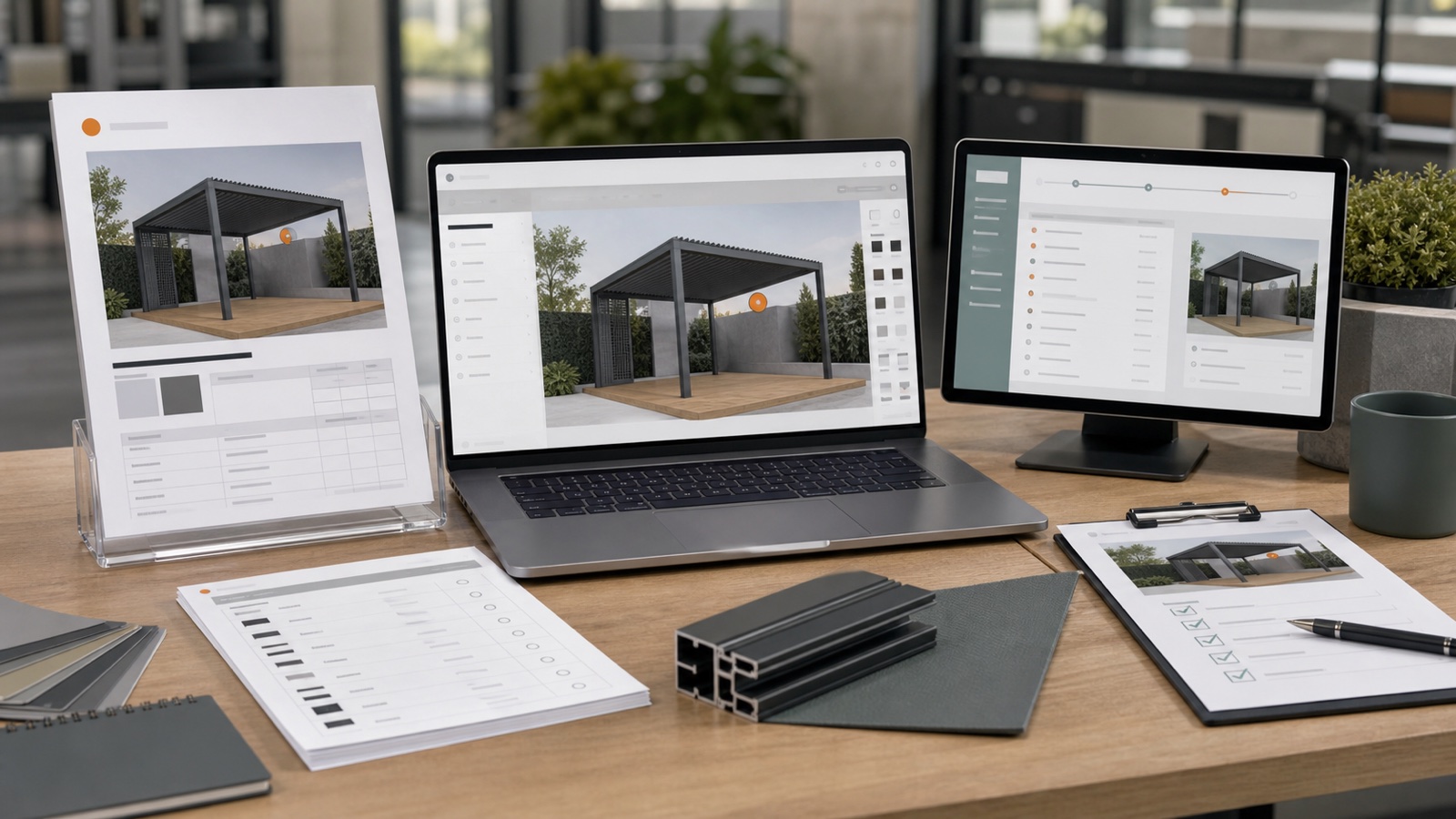
Phase 4: Quotes, BOM, Integrations and Product Configurator Testing
Connect one accepted configuration to quotes, CRM, ERP, ecommerce or BOM outputs, then prove the complete workflow with structured acceptance and failure tests.
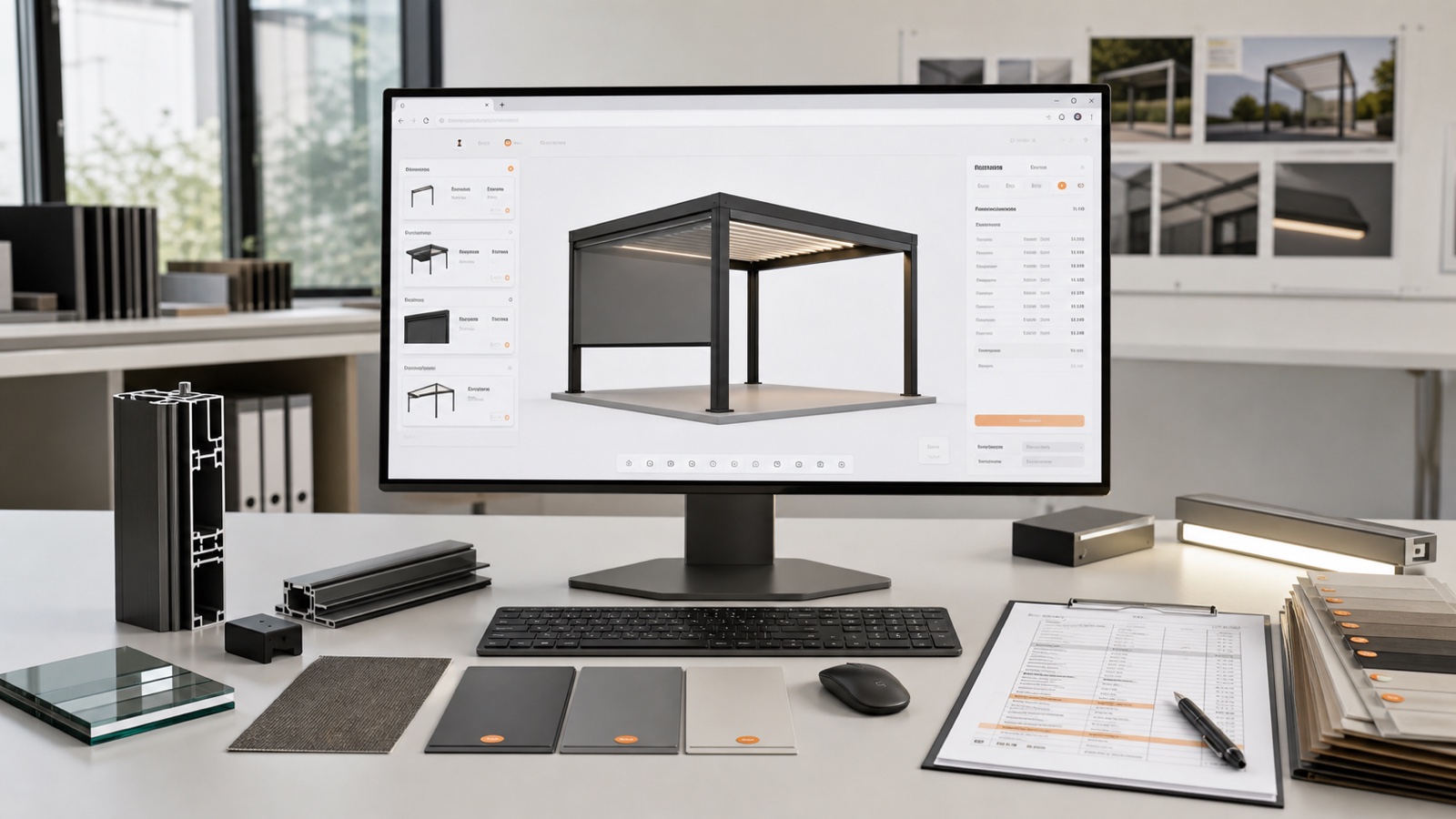
Phase 2: Building the Product Data, Rules and Pricing Model
Turn catalogues, identifiers, dimensions, compatibility knowledge and price logic into a governed product model that can drive 3D, quotes and downstream data.
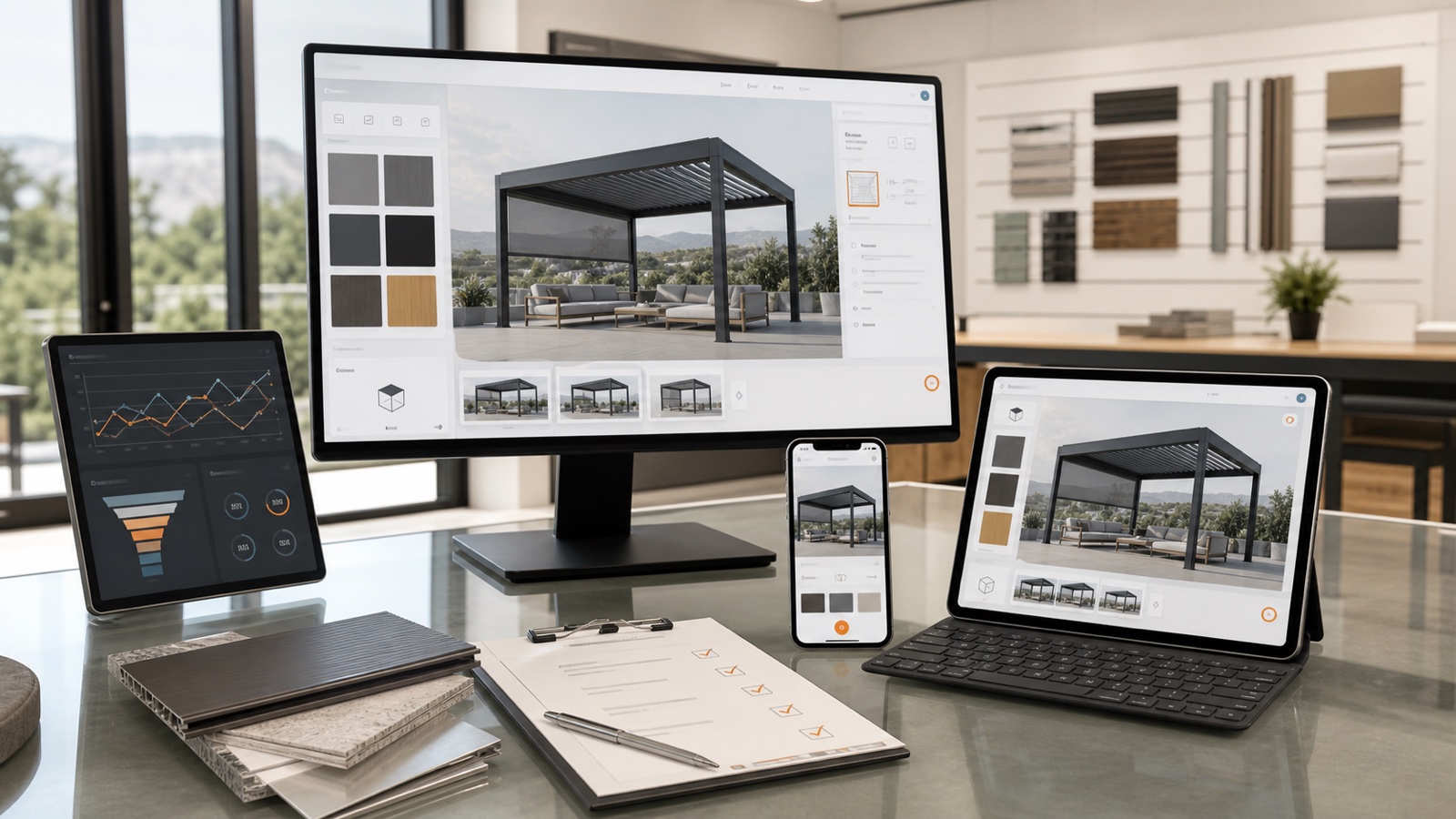
Phase 5: Product Configurator Launch, Analytics and Continuous Improvement
Launch a 3D product configurator with clear ownership, event measurement, support, catalogue governance and a practical plan for multilingual and multi-product growth.
Phase 1: Product Configurator Discovery, Requirements and Acceptance Criteria
Plan a 3D product configurator around real users, catalogue rules, pricing, outputs and measurable acceptance criteria before design or development begins.