
Connect material demand to a clear purchasing proposal.
Connect configured material requirements to purchasing units, available stock, pack-size rounding and approved substitutions with a worked example.
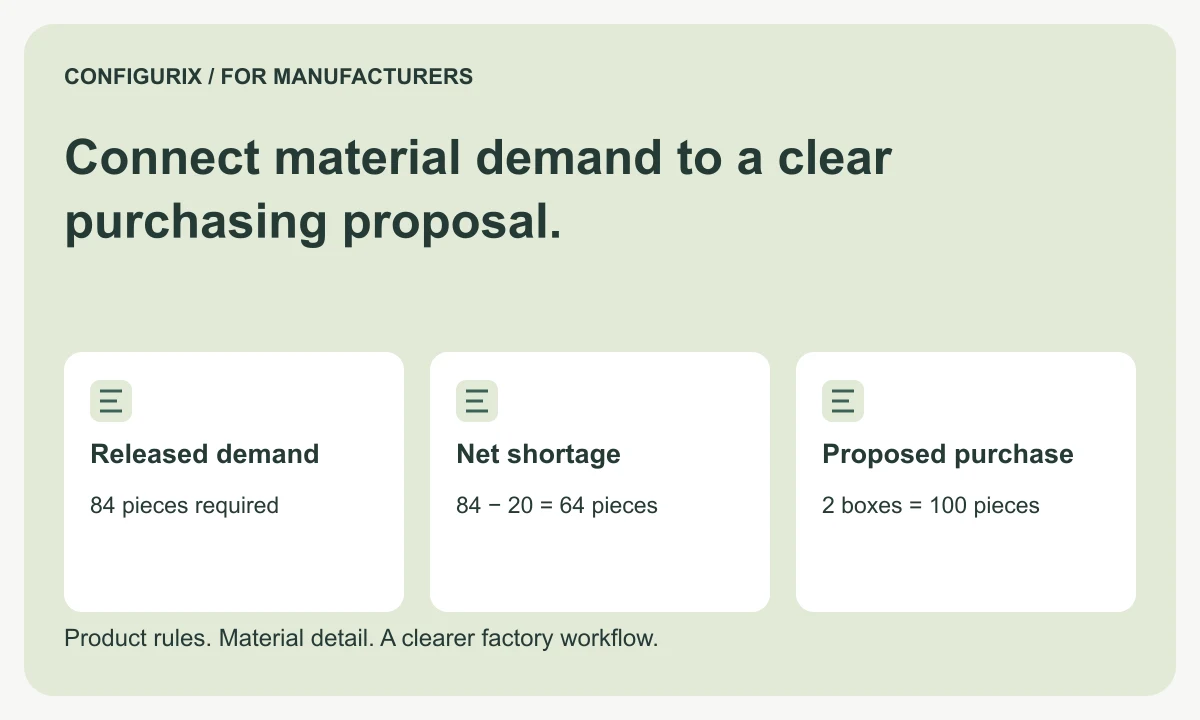
Table of contents
- Store quantities with their units and basis
- Work through pack-size rounding
- Define availability more carefully than on-hand stock
- Keep material allowance and purchasing multiples distinct
- Handle alternatives with an approval record
- What should the purchasing handoff include?
- Does the BOM tell us what to buy?
- Can we show stock to dealers?
- How should over-purchased material be represented?
A production material requirement and a purchase order quantity answer different questions. The first describes what the factory expects to consume. The second considers usable stock, existing allocations, incoming supply and the units in which a supplier sells the material. Confusing them can make an accurate BOM look like a complete purchasing plan when it is only one input.
Configurix creates custom manufacturer software that can be scoped to prepare these requirements and connect them to the factory's existing process. The specification should separate calculated demand, stock information and purchasing decisions. This guide focuses on units, rounding and availability so the output remains understandable to both engineering and procurement.
Store quantities with their units and basis
An item can be designed in millimetres, consumed in metres and purchased as a box or stock length. Write down each conversion and identify who owns it. A unit abbreviation is not enough when a supplier's “pack” contains a different number of pieces from another supplier's pack.
| Quantity concept | Meaning | Example |
|---|---|---|
| Product requirement | Quantity needed in the defined product | 84 fasteners |
| Planning allowance | Additional quantity under a stated rule | A separately identified allowance |
| Usable available stock | Stock eligible and available for this requirement | 20 pieces |
| Purchase unit | Unit accepted by the supplier | Box of 50 |
| Proposed purchase | Order quantity after agreed rounding | Two boxes |
| Expected surplus | Usable stock remaining after purchase and demand | 36 pieces |
Record the applicable item revision and supplier reference alongside the unit conversion. If a box changes from 50 to 40 pieces, that is a purchasing-data change that can affect subsequent recommendations. Retain the conversion used by an accepted proposal so the earlier calculation can be explained.
Work through pack-size rounding
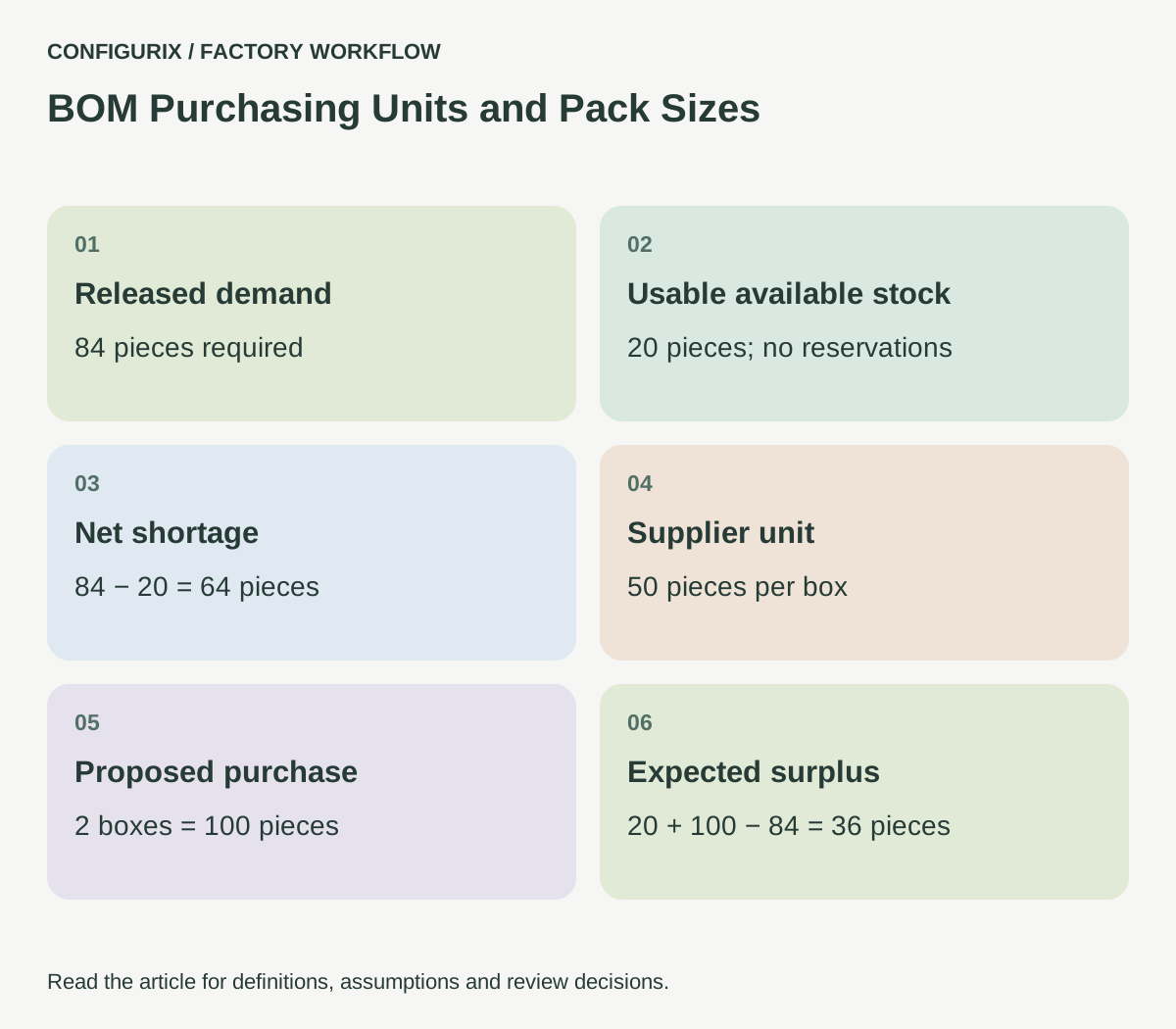
For a purchasing exercise, assume a released requirement of 84 fasteners, 20 usable and unreserved pieces on hand, no incoming supply and a supplier box size of 50 pieces. Net shortage is 84 − 20 = 64 pieces. The proposed purchase is ceil(64 ÷ 50) = 2 boxes, or 100 pieces.
After satisfying this requirement, expected surplus is 20 + 100 − 84 = 36 pieces. That surplus is a planning result under the stated assumptions. It is not a confirmed stock balance before the delivery arrives and consumption is recorded.
 Open full-size image (new tab)
Now change the assumption: ten of the 20 pieces are already reserved for another order. Available stock for this requirement is only ten, the shortage becomes 74 and the purchase remains two boxes. Expected remaining unallocated stock becomes 26 pieces after this demand, while the other ten remain committed elsewhere. Show these values separately instead of using one ambiguous “in stock” number.
Define availability more carefully than on-hand stock
Material physically present at a site may be quarantined, damaged, reserved or unsuitable for the required finish or revision. Material at another warehouse may require a transfer before it can be used. A proposed receipt may have a date that does not support the order's planned production date.
Agree which statuses contribute to availability and which system is authoritative. If the custom application receives a stock snapshot, include its timestamp and relevant site. Do not present an old snapshot as a promise that stock is currently reservable.
Also define concurrency. If two planners see the same available quantity, what prevents both from committing it? A read-only stock display is different from a reservation operation. The interface contract should identify when the receiving system confirms an allocation, and how the user sees a rejection or changed quantity.
Keep material allowance and purchasing multiples distinct
A material planning rule might add a defined allowance for handling or processing. Purchasing may then round the shortage to a supplier multiple. Applying the pack rounding first and then applying an allowance can give a different result from the agreed process.
Define the sequence: calculate demand, apply the permitted allowance, account for eligible supply, then apply purchasing constraints. This sequence is a project requirement to validate with your business, not a universal policy for every material. Some items have minimum order quantities or price breaks that require additional decisions.
Microsoft's material-consumption documentation treats rounding and multiples as explicit setup choices. That supports discussing them as business rules rather than as a cosmetic number format. Microsoft: consumption rounding.
Handle alternatives with an approval record
An alternative component may be commercially available but unsuitable for the product. Give engineering or another authorised owner responsibility for equivalence. The approval may depend on product family, finish, revision, site or intended use.
If purchasing proposes a substitution, record the original item, proposed replacement, affected orders and decision. The factory should know whether the replacement changes drawings, instructions, certification information or customer commitments. Do not let an operator infer equivalence from similar descriptions.
For a Configurix project, decide whether the first release only flags a shortage, prepares a purchase proposal or participates in an approval workflow. Automatic purchasing has different controls from a material report and should be scoped accordingly.
What should the purchasing handoff include?
The receiving team needs a material reference, quantity, unit, demand date, site and source order or configuration. Where totals are aggregated, retain the individual demands behind them. Include the version of the calculation and any unresolved item mappings.
A practical review view groups exceptions: unknown supplier unit, missing pack size, outdated stock snapshot, unapproved substitute and conflicting reservation. Each exception should name an owner and a next action. A blank quantity should never be interpreted as a zero requirement.
Test an order that is fully covered by stock, one that needs a single pack, one just above a pack boundary and one with stock at the wrong site. Include an item whose base unit differs from its purchase unit. Confirm the proposed output with the purchasing team before connecting it to an order-creation action.
Does the BOM tell us what to buy?
It gives a material-demand input. Purchasing also needs supply, allocation, unit and supplier information. Keep a BOM export distinguishable from an approved purchase instruction.
Can we show stock to dealers?
That can be discussed, but decide whether they see availability guidance, an allocation result or a delivery commitment. The label and timestamp should reflect what the underlying connection actually confirms.
How should over-purchased material be represented?
Keep surplus visible under the relevant item and site, subject to the factory's receiving and stock controls. Do not silently allocate it to unrelated orders without an agreed rule.
Connect your configurable BOM rules with the purchasing process when planning a product configurator implementation with Configurix. Bring supplier units and stock-status definitions alongside the product catalogue.
Connect configuration to the way your factory works.
Bring your product catalogue, pricing rules and current documents. We can define a product configurator implementation around the decisions and system connections your teams need.
Discuss your factory workflow →Related articles
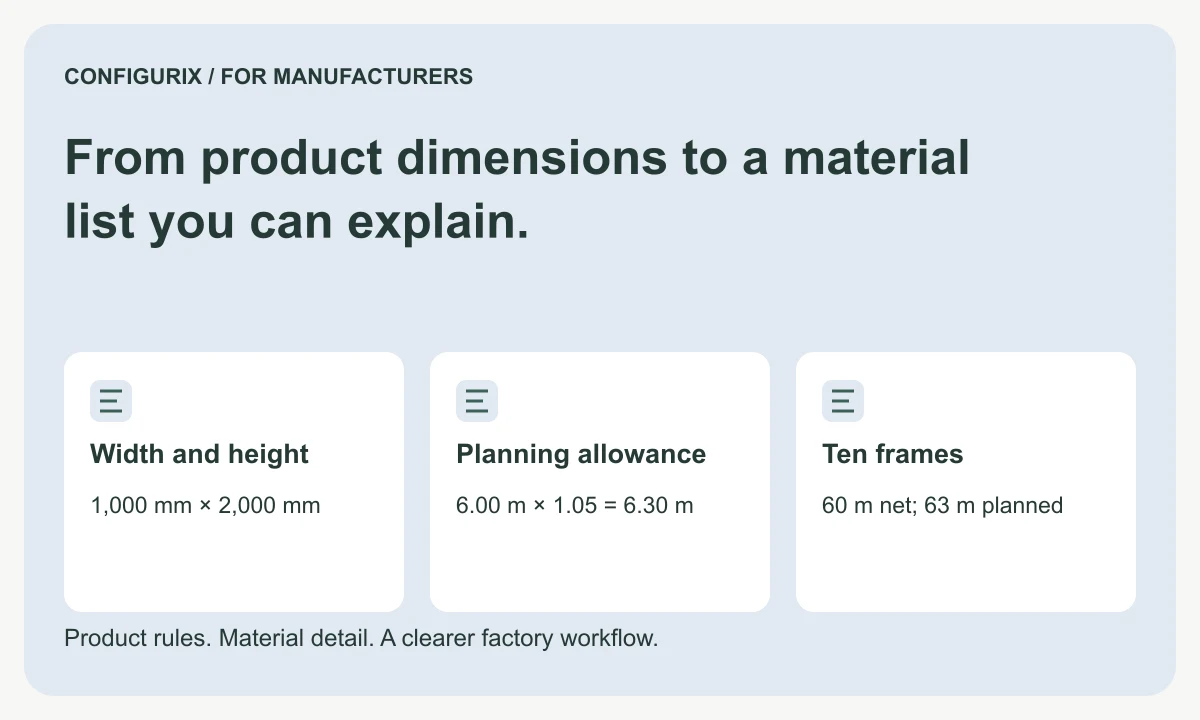
From product dimensions to a material list you can explain.
Specify configurable BOM formulas, fixed and conditional components, units, allowances and rounding with a worked manufacturer material calculation.
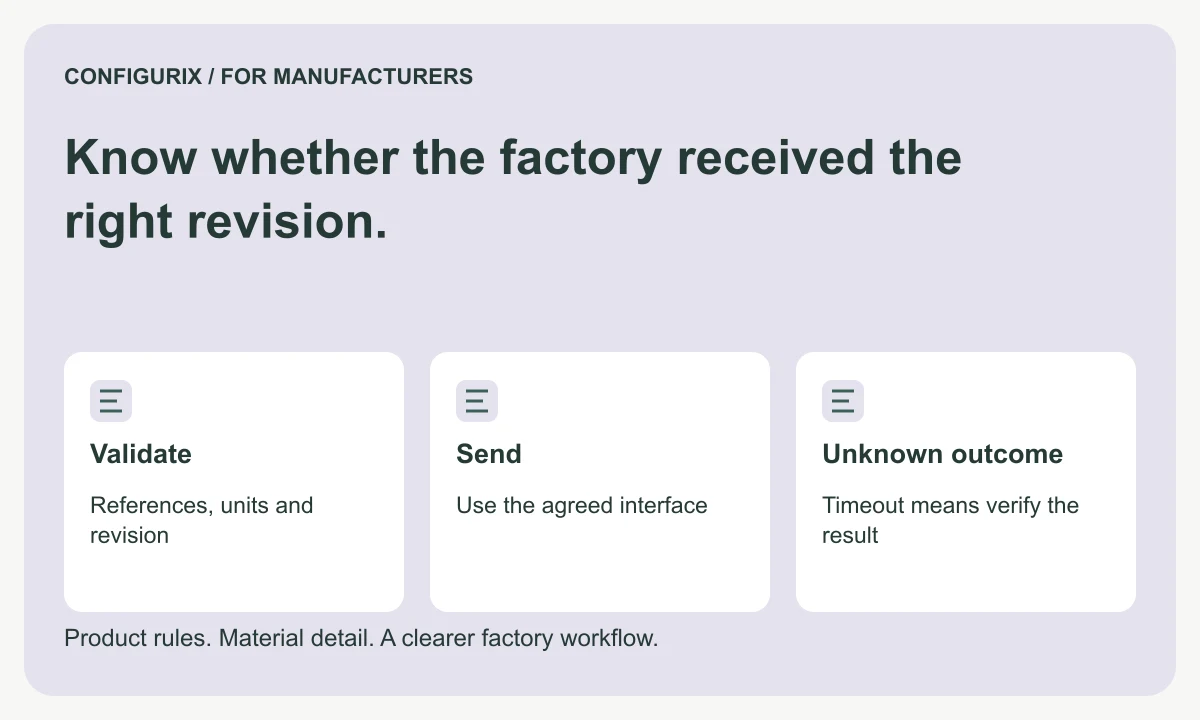
Know whether the factory received the right revision.
Specify BOM and order integrations with stable transfer IDs, field validation, acknowledgements, duplicate protection and timeout reconciliation.
Give each workstation the information it needs.
Specify production job packs with BOMs, cut lists, drawings, work instructions, operation checks and clear revision control for each workstation.