
Can one quotation contain several configurable products?
Plan multi-product configurator quotations with separate rules, shared project information, installation scope and traceable commercial totals.
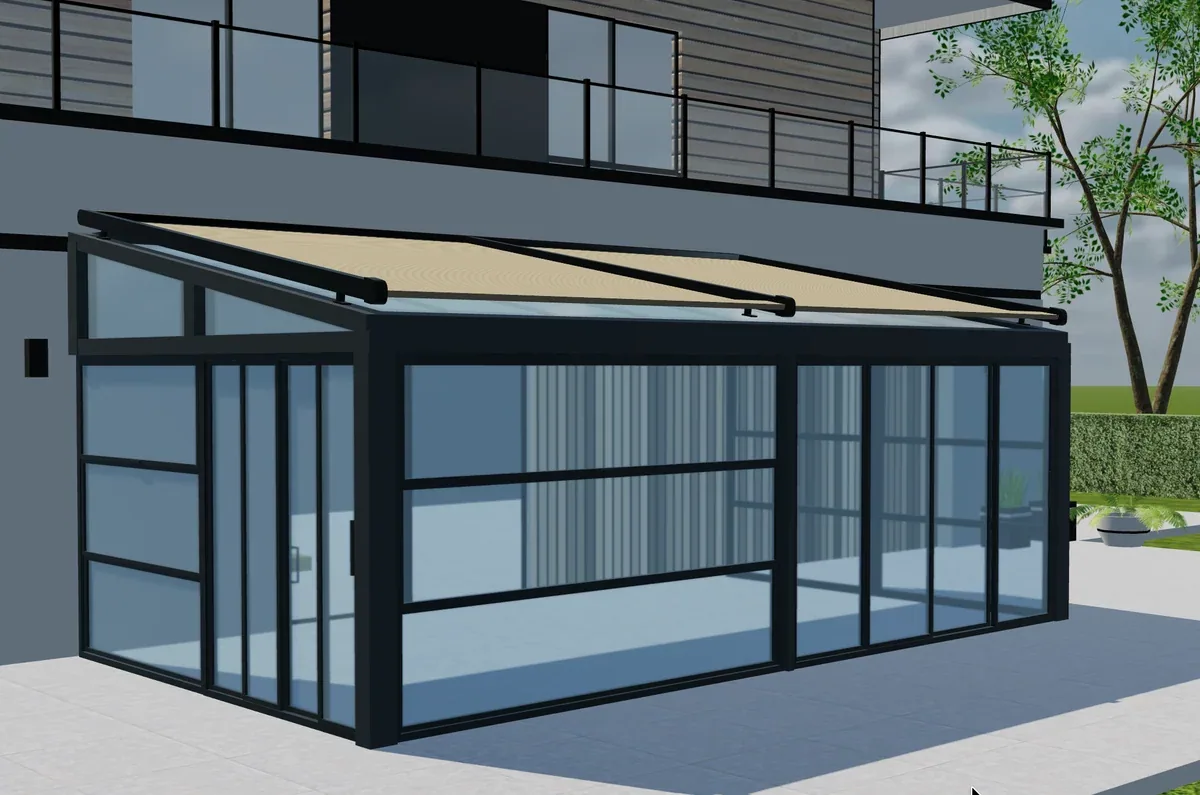
Table of contents
One project can contain several configurable products without forcing them into one product model. A useful multi-product quotation keeps each specification identifiable while sharing the customer, project context and commercial document. Define which rules operate within a product and which apply across the whole project.
Give each product its own specification
A pergola, an awning and a glazed enclosure may have different dimensions, accessories and material structures. Store those choices as distinct configured items. A project-level address can be shared, but it should not silently overwrite a product's mounting assumptions or measured location.
Agree how quantities work. Two identical products may share a specification, while two visually similar products with different measurements need separate records.
| Project element | Scope to define |
|---|---|
| Customer and address | Shared project information |
| Product selections | Separate model and configuration revisions |
| Installation work | Shared or item-specific commercial scope |
| Discounts | Line, group or project calculation |
| Issued document | Agreed items and total from the same revision |
Change one item after issuing the offer
Prepare a project with a pergola and an awning. Issue the quotation, then change only the awning's projection. Inspect which price lines and documents change. The pergola should not be unintentionally rebuilt or repriced unless the agreed commercial policy requires it.
Now remove one product. Check shared delivery and installation charges. A charge applicable once to the project should not remain duplicated merely because it was originally attached to each item.
Decide how partial acceptance works
A customer may accept one product and postpone another. Define whether the application supports partial acceptance, a revised quotation or separate orders. The factory needs to know which configured items are authorized to proceed.
Avoid relying on an email stating “everything except the awning.” That instruction needs to become an identifiable commercial state associated with the correct product revisions.
Scope the project-level software with Configurix
A custom Configurix CPQ system can be specified around your product families and quotation process. Bring a multi-item offer with shared charges and a later amendment. Ask for product rules, project calculations and receiving-system records to be demonstrated separately.
Must all products share the same configurator interface?
No. They can share project navigation and branding while using questions appropriate to each family. Consistency should not erase meaningful product differences.
Does one quotation automatically mean one manufacturing BOM?
No. Agree whether production receives separate product BOMs, a grouped requirement or both. Keep the commercial grouping distinguishable from the factory structure.
Book a private Configurix demo
Bring your product range, price list and a representative quote. We can define the configuration and sales workflow around your business.
Book a private Configurix demo →Related articles

How do quotation, BOM and drawing stay on the same revision?
Specify one accepted configuration reference across quotation, material list and drawing outputs, with a practical three-document reconciliation test.

What happens when site measurements change an online design?
Define how verified site measurements update a configurator project, quotation, technical review and factory handoff without losing the original request.
How much engineering data should a public configurator expose?
Review public configurator assets, browser data and private calculations before sharing confidential geometry or component information online.

Can staff change a customer's configuration after submission?
Control staff amendments to submitted configurations with permissions, reasons, customer confirmation and consistent quotation and factory records.