
Configurix pergola projects: Elite Aluminum and Tenteks Italia
Explore two Configurix customer projects and what their pergola, sunroom and multi-product workflows mean for your own catalog and quotes.
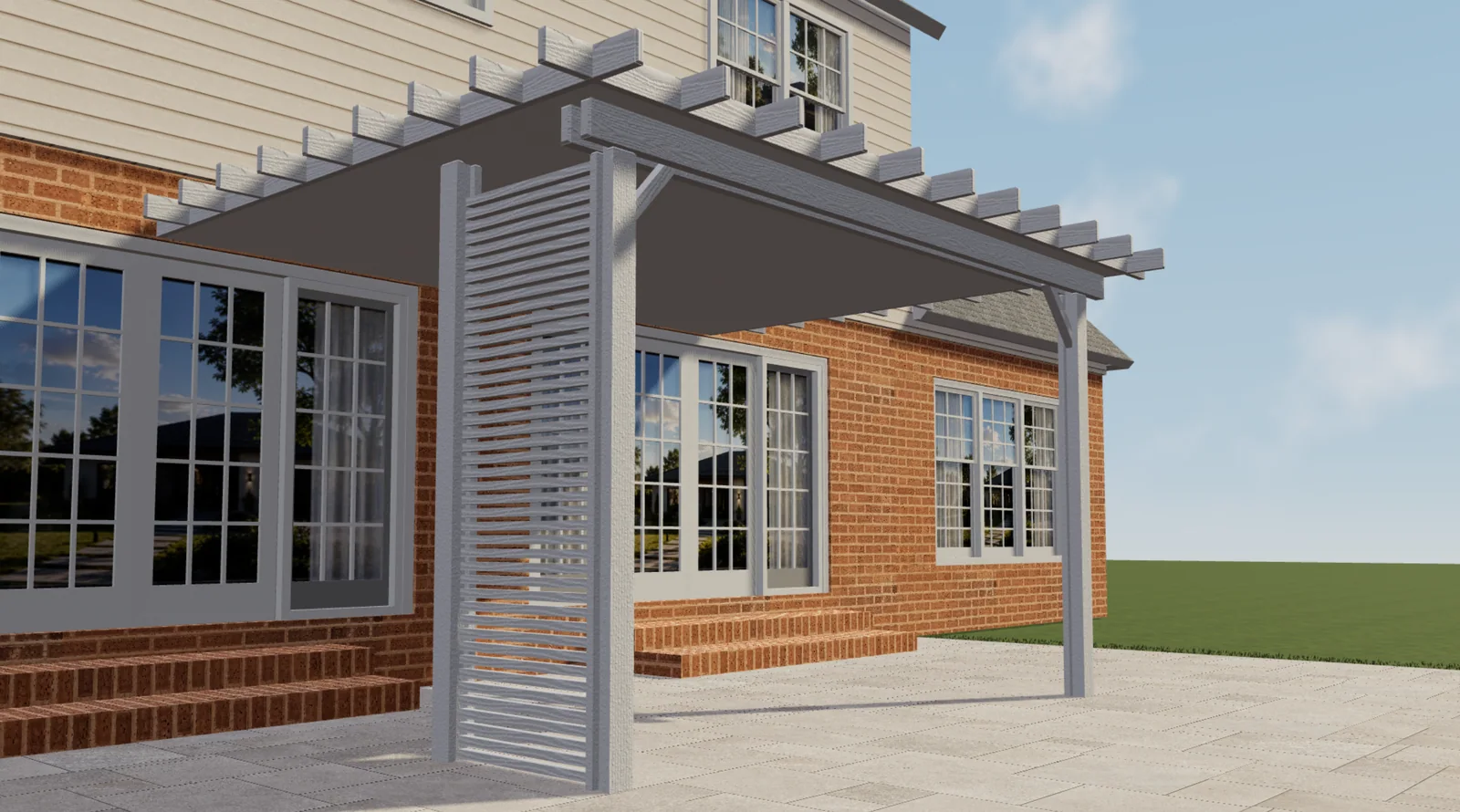
Table of contents
A pergola configurator should reflect the range a manufacturer actually sells. A wood-effect patio cover, a bioclimatic roof and a glazed garden room may share a sales team, but they do not share every option, component or pricing rule. That is why evaluating Configurix starts with your catalogue rather than a generic model.
Elite Aluminum and Tenteks Italia offer two concrete starting points. Their approved Configurix projects demonstrate different product scopes, not a single template with different logos. Here is what a manufacturer or dealer can learn from those implementations when planning a pergola configurator.
Elite Aluminum: connect the design to an itemised quote
The Elite Aluminum implementation includes pergola and sunroom configurators, together with software that generates quotations automatically with SKU references for individual items. The supplied product views show open and covered structures, different finishes and side-panel options.
The important buying question is not simply whether a pergola looks convincing in 3D. It is whether the selected product can be described clearly in the quotation. A salesperson needs to connect the customer's choices to identifiable catalogue items, rather than reconstructing the specification from a screenshot.
For your own project, bring a representative quote and the corresponding product codes. Ask how a change of finish, roof or side element should change the item list. Include an option that is available only on one model, so the discussion covers product rules as well as presentation.
Tenteks Italia: accommodate several outdoor-living ranges
The Tenteks Italia scope includes Pergotenda, bioclimatic pergolas and a multi-product configurator, alongside software and website work. Its supplied views cover different roof arrangements and glazed enclosures.
This is relevant to companies selling more than one type of outdoor structure. The product-family choice should establish which dimensions, roof systems and accessories belong in the rest of the journey. Customers should not have to understand an internal parts catalogue before selecting a suitable product.
A useful specification therefore separates shared choices, such as a finish, from family-specific choices, such as a particular roof mechanism. Similar-looking accessories should retain their own references when the underlying products differ.
Compare the scope, not just the pictures
| Project | Approved implementation scope | Question for your own catalogue |
|---|---|---|
| Elite Aluminum | Pergola and sunroom configuration; automatic quotes with SKU references | Which selected options must appear as identifiable quote items? |
| Tenteks Italia | Pergotenda, bioclimatic pergolas, multi-product configuration, software and website | Which rules are shared, and which belong to one product family? |
Explore the customer projects to see the supplied product imagery and published scope. The examples help you identify relevant workflows; your implementation should be specified around your own products and sales process.
Define what happens after the customer chooses
A useful 3D journey ends with a record that somebody can act on. Decide what the sales team receives: the selected model, dimensions, finish, accessories, preview and contact details. Then identify which details must be confirmed before a quotation becomes an accepted order.
Keep customer-facing descriptions readable while preserving the references your team uses internally. A clear option name helps the buyer; a SKU helps the team identify the item. Both can be useful without exposing a confusing component list during every step of configuration.
Bring a representative product to Configurix
Choose one common configuration, one accessory-rich configuration and one request outside your standard range. Supply the product options, price rules, item references and a quote example. This gives a private demonstration a concrete purpose and makes the proposed implementation easier to evaluate.
The Configurix pergola configurator connects the product-selection experience with commercial workflows. To discuss how your own range should be represented, book a private Configurix demo with your catalogue and quotation requirements.
Book a private Configurix demo
Explore two Configurix customer projects and what their pergola, sunroom and multi-product workflows mean for your own catalog and quotes.
Book a private Configurix demo →Related articles
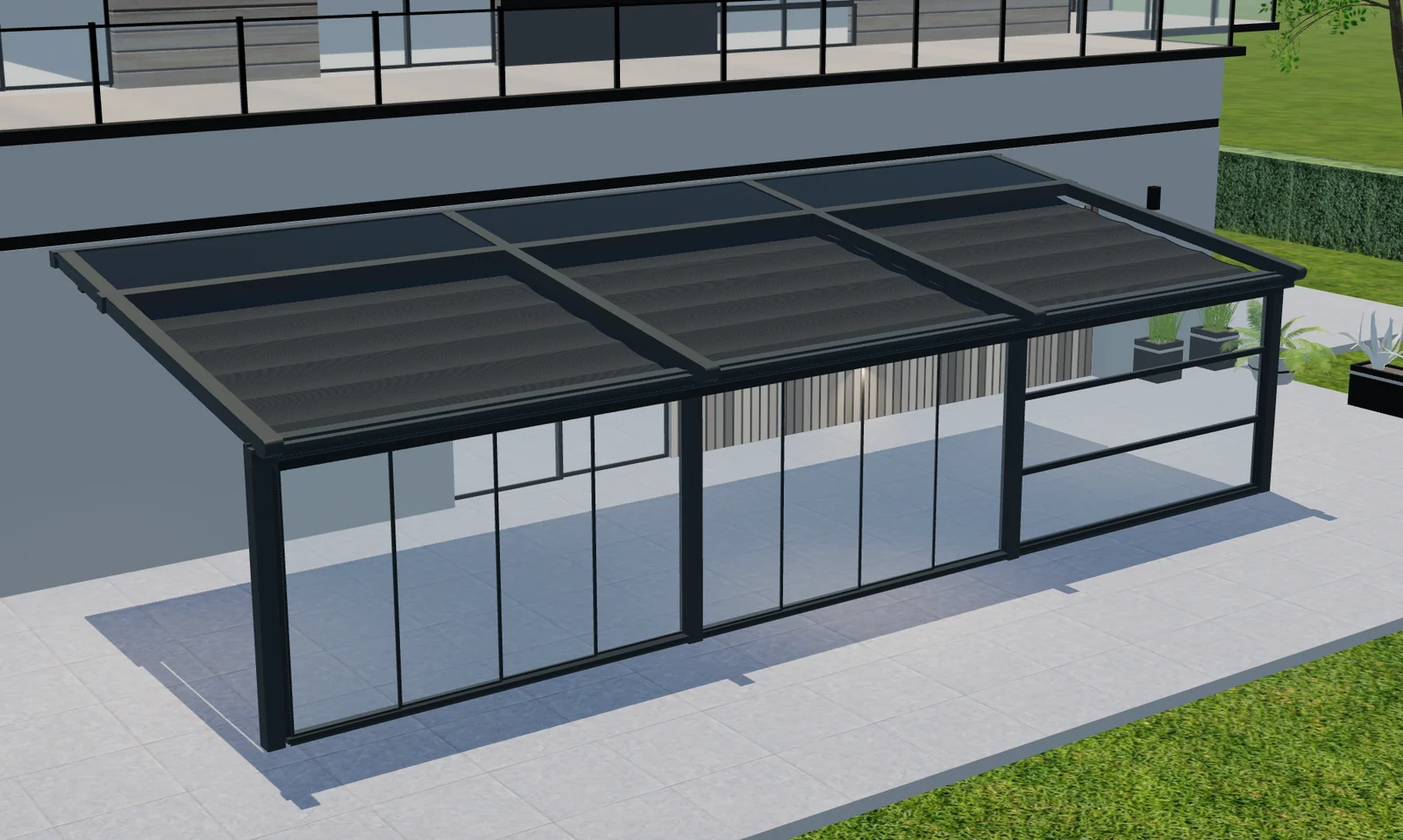
Multi-bay pergola configuration: one project, separate roof zones
Plan multi-bay pergolas with Configurix: map roof zones, shared posts, side options and quote items to the same product configuration.
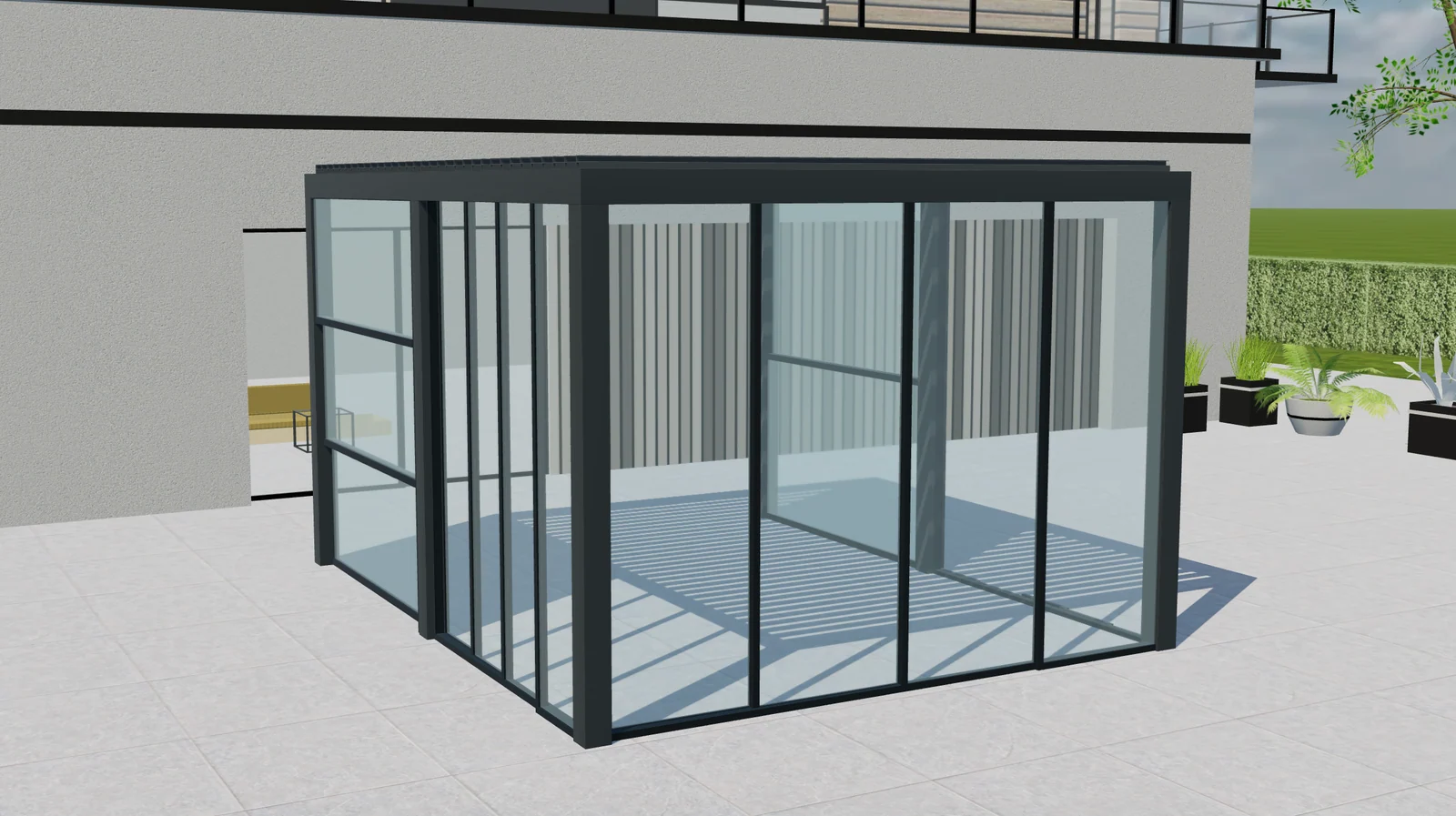
Pergola upgrade packages: clearer quotes with Configurix
Plan pergola accessory packages with Configurix: define included parts, replacements and compatibility so options and quote items stay aligned.
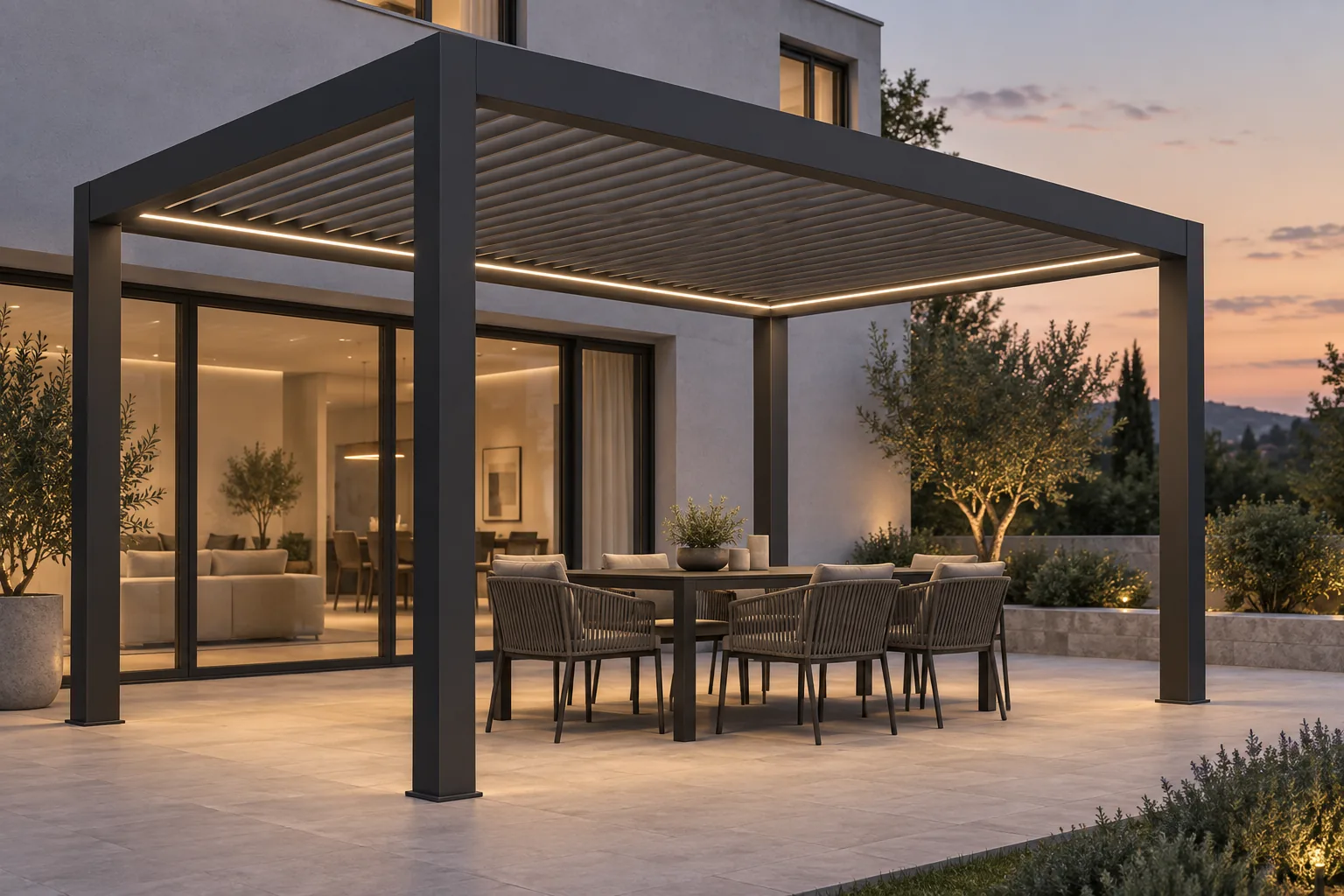
Bioclimatic pergola lighting and controls: specify the complete system
Plan bioclimatic pergola lighting, motors, controls and accessory dependencies. Connect customer choices with clear specifications and Configurix quotes.
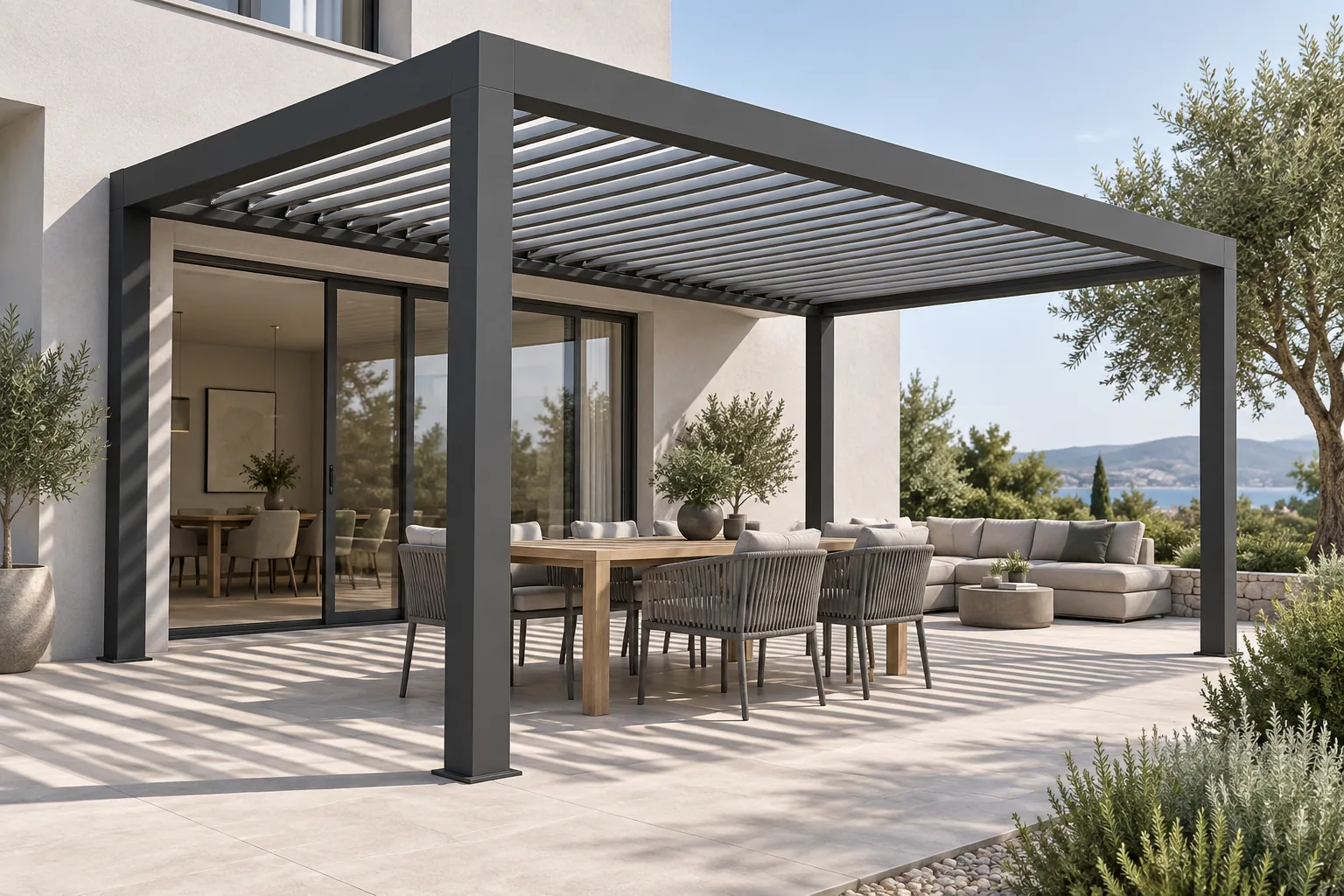
Bioclimatic pergola louvre orientation: explain light and shade
A dealer's guide to bioclimatic pergola louvre orientation, roof movement and shade, with clearer product choices and quotations using Configurix.