
Pergola upgrade packages: clearer quotes with Configurix
Plan pergola accessory packages with Configurix: define included parts, replacements and compatibility so options and quote items stay aligned.
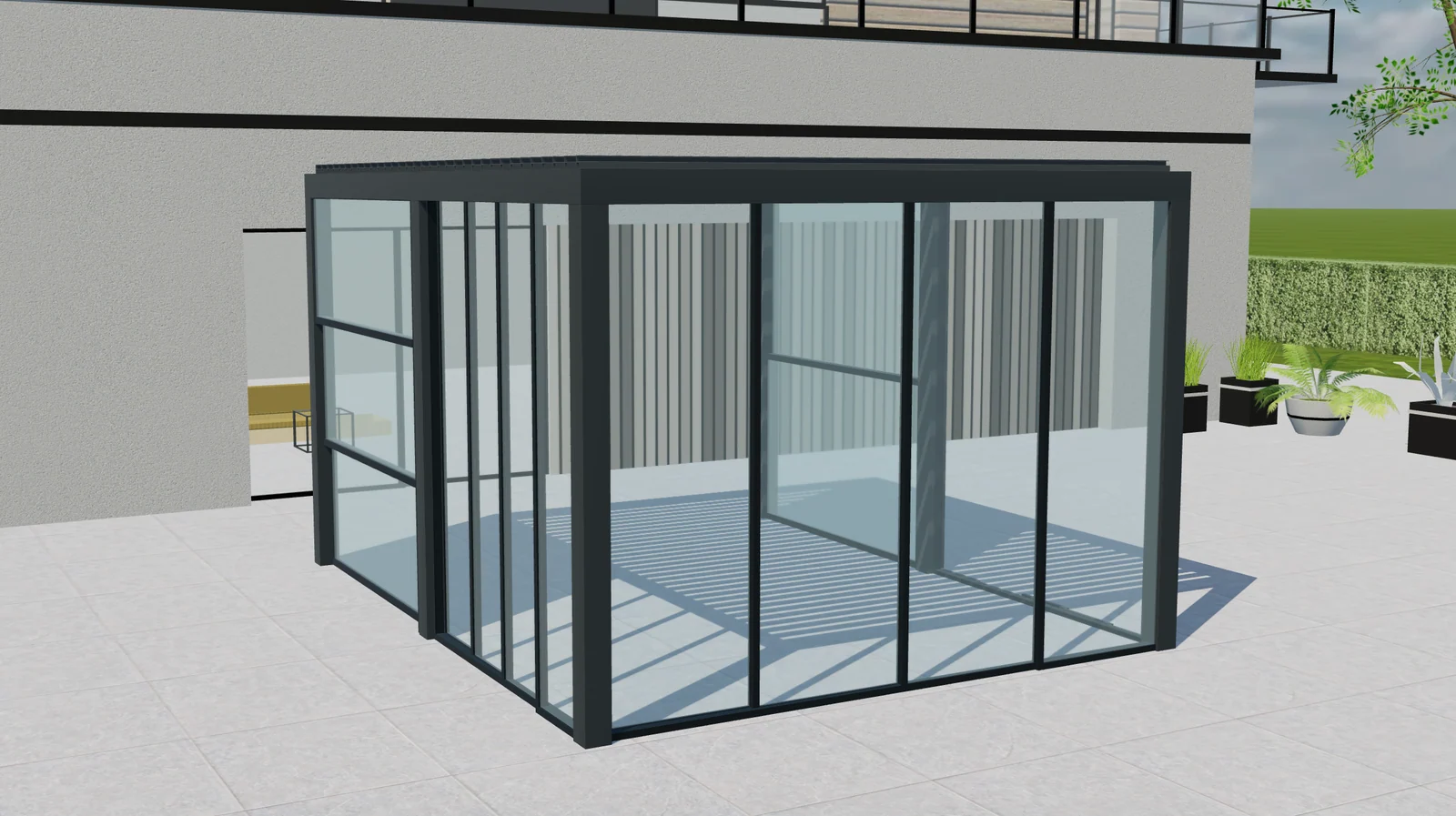
Table of contents
Glass panels, screens and lighting can turn a basic pergola enquiry into a much more specific project. They can also make a quotation difficult to explain when a package overlaps with separately selected accessories. A pergola configurator needs to show both what the buyer receives and how the selected package affects the price.
For manufacturers and dealers evaluating Configurix, package logic deserves its own discussion. The aim is a clear relationship between the 3D selection, the included components and the quotation—not simply a row of attractive upgrade buttons.
Define the base product before the package
Record what the starting configuration already includes. Identify the roof system, standard finish, controls and any included accessories. If a motor or control is already supplied with the roof, an upgrade package should not silently charge for it again.
Use catalogue references behind the commercial description. A customer may choose a lighting package, while your item list needs to distinguish the light strips, power supply and compatible control. Agree which parts are shown to the customer and which remain part of the internal specification.
Decide whether each package adds or replaces
An upgrade can add an accessory, replace a standard component or apply a commercial adjustment to a group of items. Those are different operations. A premium control replacing a standard control should not behave like two independent purchases.
| Selection | Rule to agree | Quote behaviour |
|---|---|---|
| Lighting added to a compatible roof | Add the required components once | Name the selected lighting package |
| Premium control replaces the standard control | Remove or credit the replaced item | Describe the replacement clearly |
| Glass package includes a side already selected | Resolve the overlap | Avoid charging for the same side twice |
| A selected screen no longer fits the model | Ask for a compatible choice | Recalculate after the choice is resolved |
These are configuration requirements to test with your catalogue, rather than universal rules for every pergola. The Configurix pergola configurator provides the setting for connecting those choices with your pricing and quotation workflow.
Make compatibility visible before the quote
Customers should understand why an option becomes available or unavailable. Tie the explanation to the selected product: roof type, opening, dimensions or accessory combination. A helpful message gives the buyer a next step instead of leaving a disabled option unexplained.
Keep the sales distinction between optional and required components. If a selected accessory needs another component, show that relationship at the point of selection. Do not rely on the final total to reveal a mandatory addition.
Test package changes in both directions
Start with the base model, add a package, remove it and choose its accessories individually. Repeat after changing the model or dimensions. Compare the resulting components and quote lines, not only the displayed total.
Include a project with multiple sides and one with no optional accessories. Check that switching packages does not leave behind an obsolete part or remove something still needed by another selection. Save the expected outcomes as acceptance examples for the implementation.
Keep price revisions separate from issued proposals
Define how current prices apply to new configurations and how saved drafts are recalculated. Issued quotes should retain their agreed commercial record unless deliberately revised; package changes should not quietly rewrite a proposal already sent to a buyer. See the pricing-engine guide for the broader workflow.
Plan a catalogue-based demonstration
Bring one base product, two upgrade packages, their included item references and an example quotation. Ask Configurix to review the overlaps, dependencies and replacement rules with your team. That is a more useful evaluation than comparing a package price without understanding what it contains.
Book a private Configurix demo to discuss a pergola workflow in which the preview, selected accessories and quotation tell the same story.
Book a private Configurix demo
Plan pergola accessory packages with Configurix: define included parts, replacements and compatibility so options and quote items stay aligned.
Book a private Configurix demo →Related articles
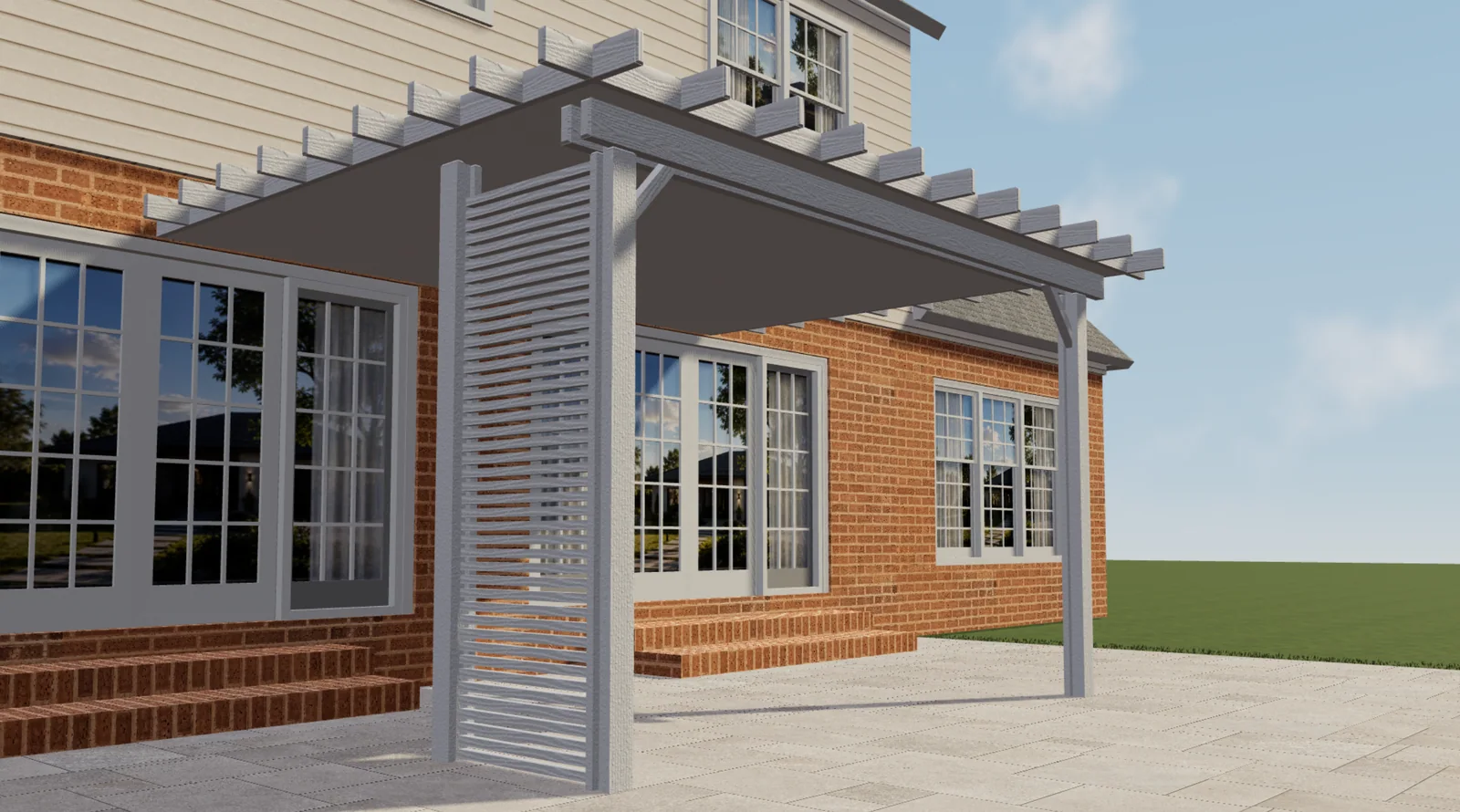
Configurix pergola projects: Elite Aluminum and Tenteks Italia
Explore two Configurix customer projects and what their pergola, sunroom and multi-product workflows mean for your own catalog and quotes.
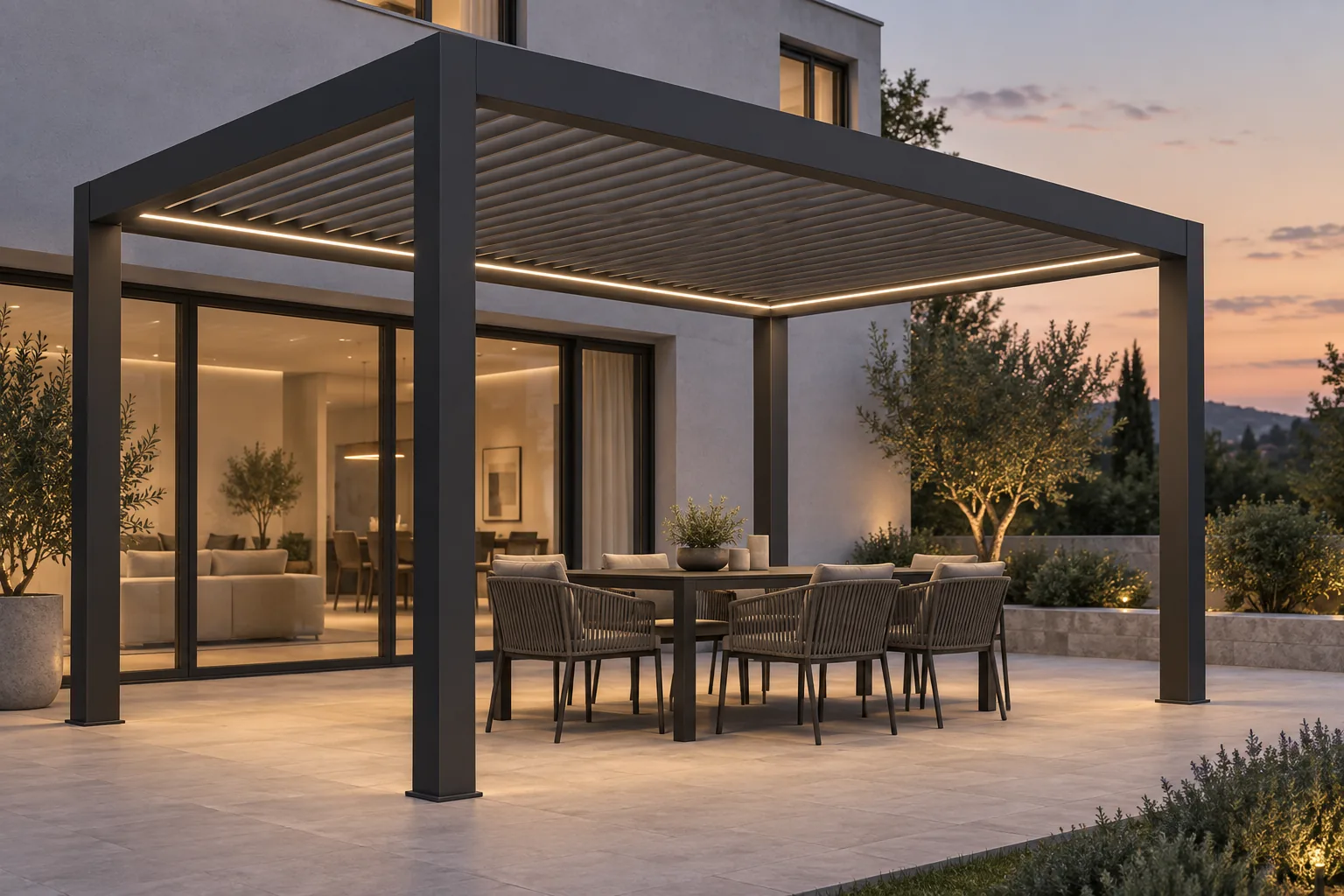
Bioclimatic pergola lighting and controls: specify the complete system
Plan bioclimatic pergola lighting, motors, controls and accessory dependencies. Connect customer choices with clear specifications and Configurix quotes.
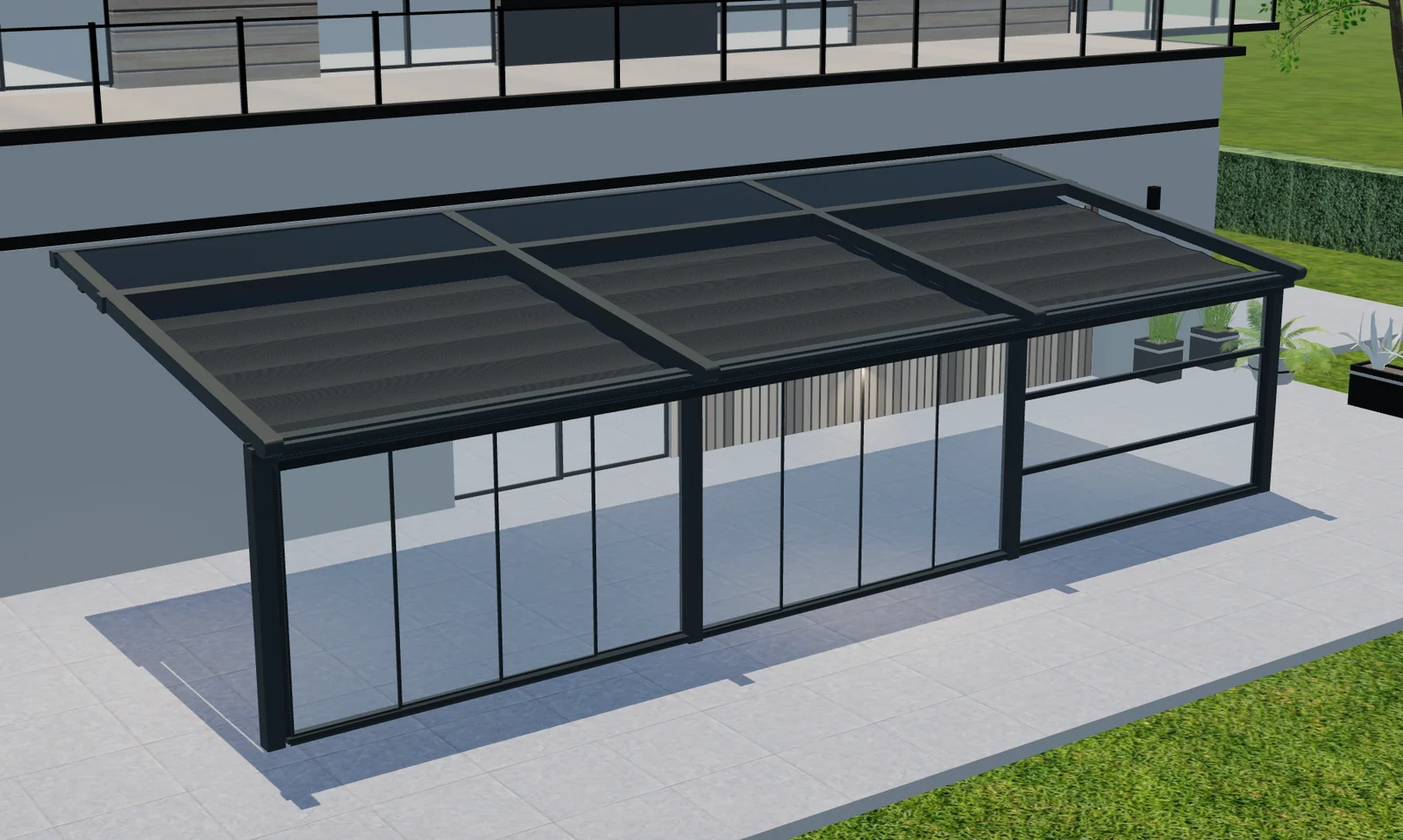
Multi-bay pergola configuration: one project, separate roof zones
Plan multi-bay pergolas with Configurix: map roof zones, shared posts, side options and quote items to the same product configuration.
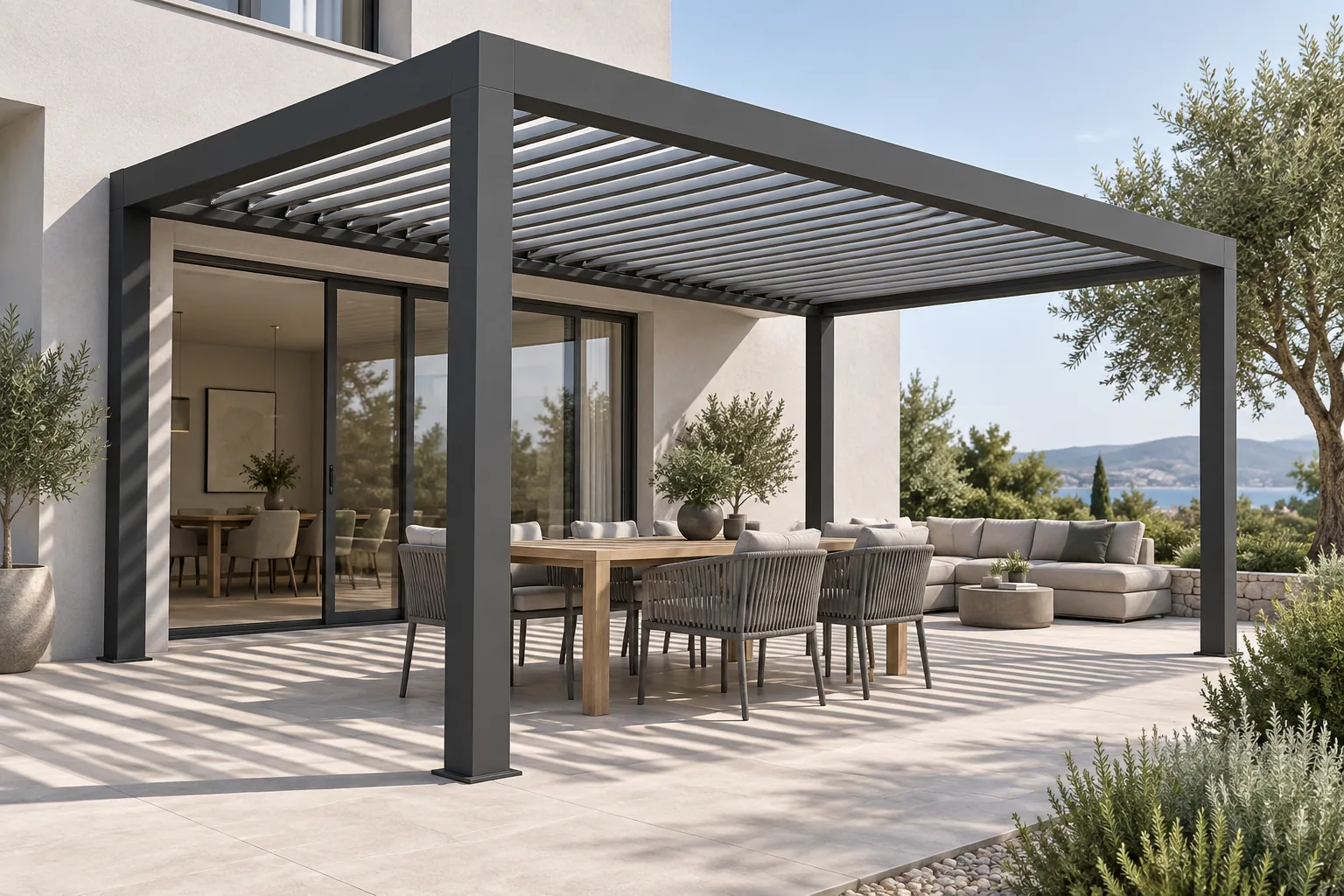
Bioclimatic pergola louvre orientation: explain light and shade
A dealer's guide to bioclimatic pergola louvre orientation, roof movement and shade, with clearer product choices and quotations using Configurix.