
Bioclimatic pergola lighting and controls: specify the complete system
Plan bioclimatic pergola lighting, motors, controls and accessory dependencies. Connect customer choices with clear specifications and Configurix quotes.
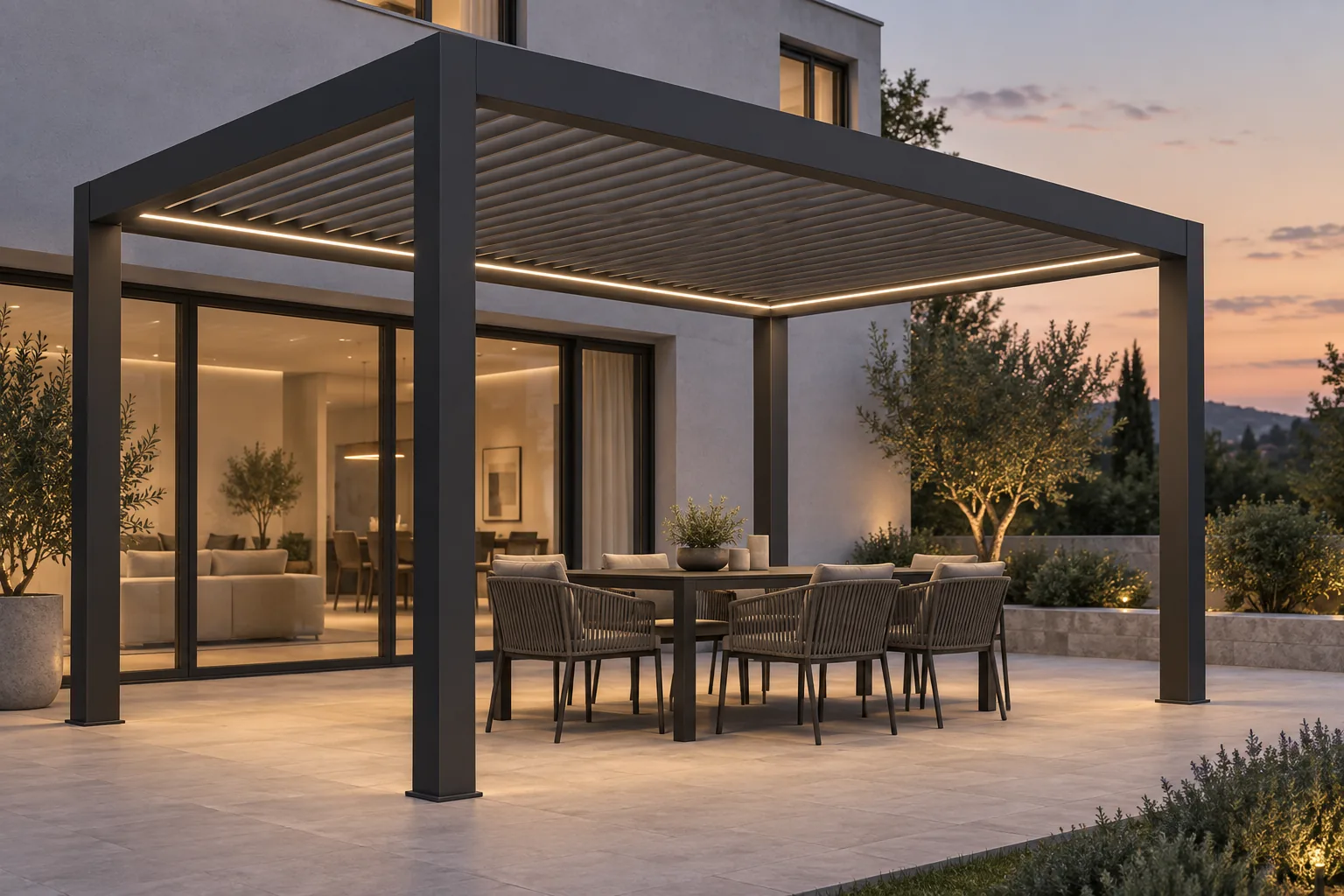
Table of contents
Lighting and controls can turn a bioclimatic pergola proposal into a much clearer picture of how the space will be used. They can also become a confusing collection of accessories if the quotation lists product codes without explaining locations, functions and dependencies.
For manufacturers and dealers, the goal is to specify a usable system. Start with the customer's activities, then connect each selected accessory to the correct pergola model and commercial scope.
Describe the evening before choosing the lighting
Ask whether the pergola is primarily a dining area, a lounge or a route between the house and garden. Discuss which parts of the space need attention and which should remain visually quiet. That conversation provides a reason for the lighting selection beyond a general request for “LEDs.”
Distinguish the location of the light from its effect. Perimeter lighting, blade-integrated lighting and post lighting are not equivalent choices, and a particular range may offer only some of them. Record the selected arrangement in words that the customer can connect to the visual design.
A rendered evening scene is useful for discussing atmosphere. It does not establish measured light levels, color accuracy or electrical suitability at the installation site.
Make controls part of the product specification
Roof movement, screens and lighting may use different control components. Confirm which functions the proposed system supports, how the customer operates them and which additional components are required. Avoid assuming that any remote, sensor or home-automation product will work with any motor.
Manufacturer product information demonstrates the need to specify these choices by system. Renson's Camargue page describes particular integrated lighting and accessory options. Your own quotation should be equally explicit about the products actually supplied.
If a customer asks for smart-home integration, identify the required interface and the party responsible for setup. “Smart” is not a sufficiently precise acceptance criterion.
Separate a sensor from a complete operating policy
A sensor selection should lead to a discussion of what the system is configured to do and under which conditions. Confirm the behavior documented for the selected equipment, including any installation settings and operating limitations. Different roof and accessory systems should not inherit one generic weather promise.
Give the customer the relevant manufacturer instructions at handover. The commercial configuration should identify the installed equipment, while the installation and commissioning record should establish how it was set up.
Capture the dependencies before calculating the price
| Selection | Specification to capture | Related item to check |
|---|---|---|
| Lighting | Product family, location and available finish | Compatible supply and control components |
| Roof operation | Selected motor and operating method | Manufacturer's required controls |
| Screen operation | Side, screen model and control method | Motor and grouping compatibility |
| Sensor | Supported device and intended behavior | Compatible controller and commissioning requirements |
| Integration | Named interface and agreed functions | Setup responsibility and acceptance test |
These relationships belong in the catalog rules, not in a salesperson's memory. When an accessory changes, review the connected items before presenting a revised total.
Show the option where it belongs
An accessory is easier to understand when it is presented within the complete pergola. Configurix's 3D pergola configuration workflow can help a buyer connect the selected options to the product being quoted. The visual presentation and option logic should be scoped around the manufacturer's actual range.
For the dealer, the value extends beyond appearance. Configured pricing can reflect the agreed accessory rules, and the quotation can describe the selected package. That reduces the need to reconstruct the product from a separate list after the consultation.
Do not assume that every controller dependency is ready without catalog setup. During implementation, review a normal combination, an incompatible selection and a revised package. Those checks test whether the sales workflow matches how the business supplies the product.
Define what is included in installation and handover
State who provides the electrical connection, who commissions the controls and what is included in the demonstrated operating functions. Electrical work should follow the applicable requirements and be handled by appropriately qualified professionals.
Keep the final accessory list with the approved configuration. It becomes useful again when the customer asks how a component works or which replacement is compatible. The maintenance and handover guide explains how to make that record useful after installation.
If your range has many accessory combinations, ask for a private Configurix demo focused on those relationships. A clear selection process is a better sales tool than a longer accessory menu.
Connect your pergola catalog to a clearer sales process
See how Configurix can connect your product choices, 3D presentation, pricing and quotations in a private walkthrough.
Book a private Configurix demo →Related articles
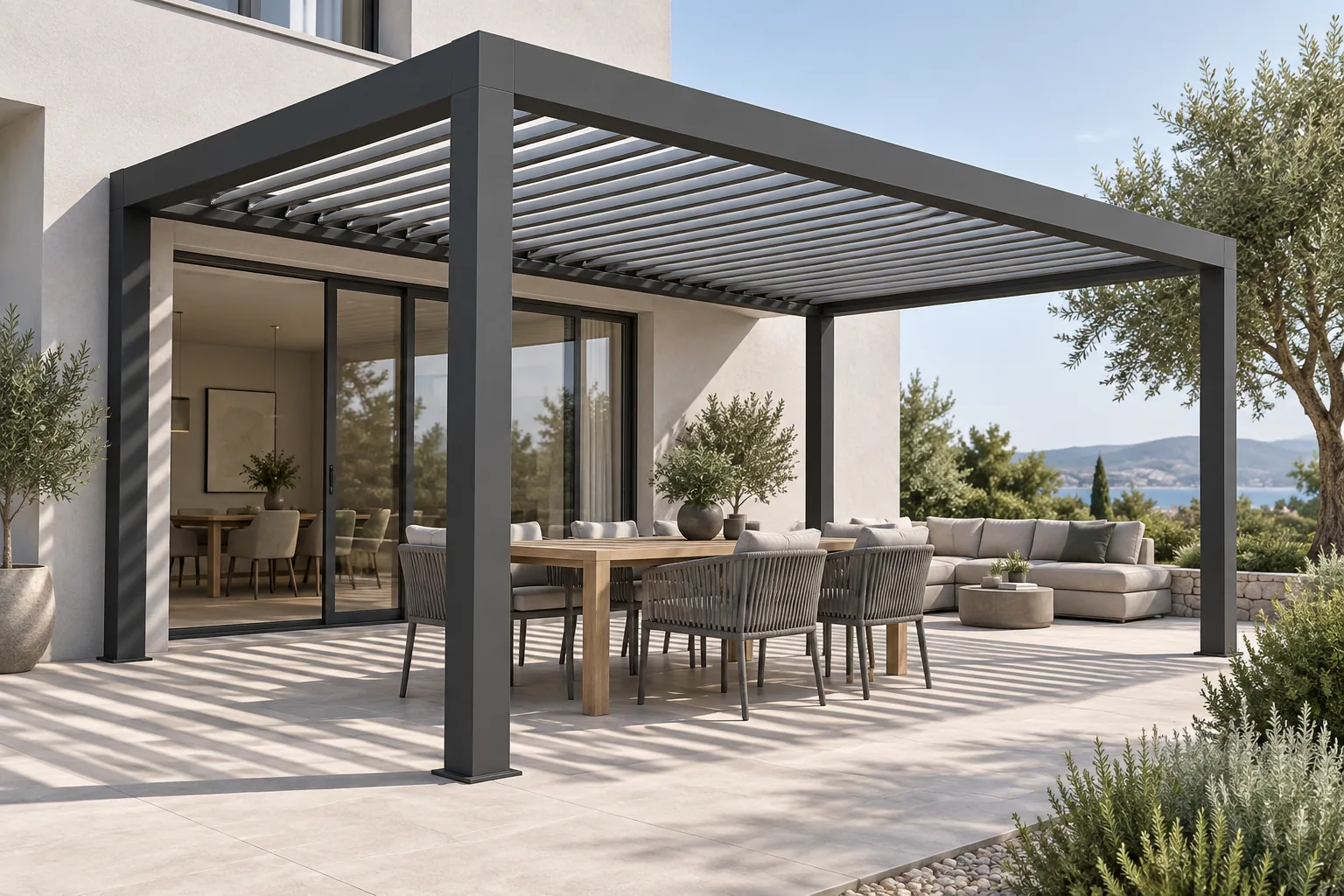
Bioclimatic pergola louvre orientation: explain light and shade
A dealer's guide to bioclimatic pergola louvre orientation, roof movement and shade, with clearer product choices and quotations using Configurix.
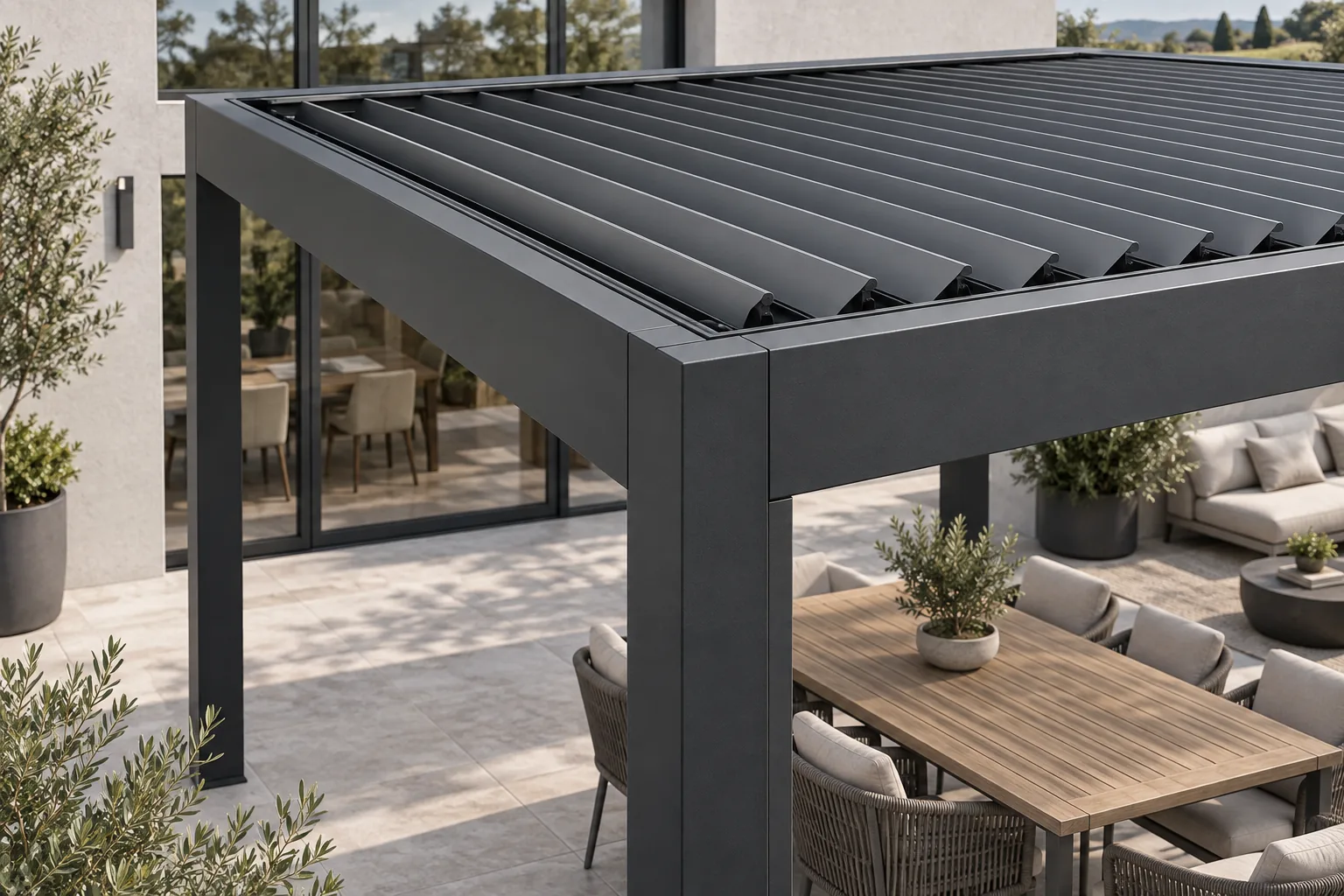
Bioclimatic pergola maintenance: a better dealer handover
Give bioclimatic pergola customers a clear handover: care instructions, accessory details and an accepted product record your service team can use.
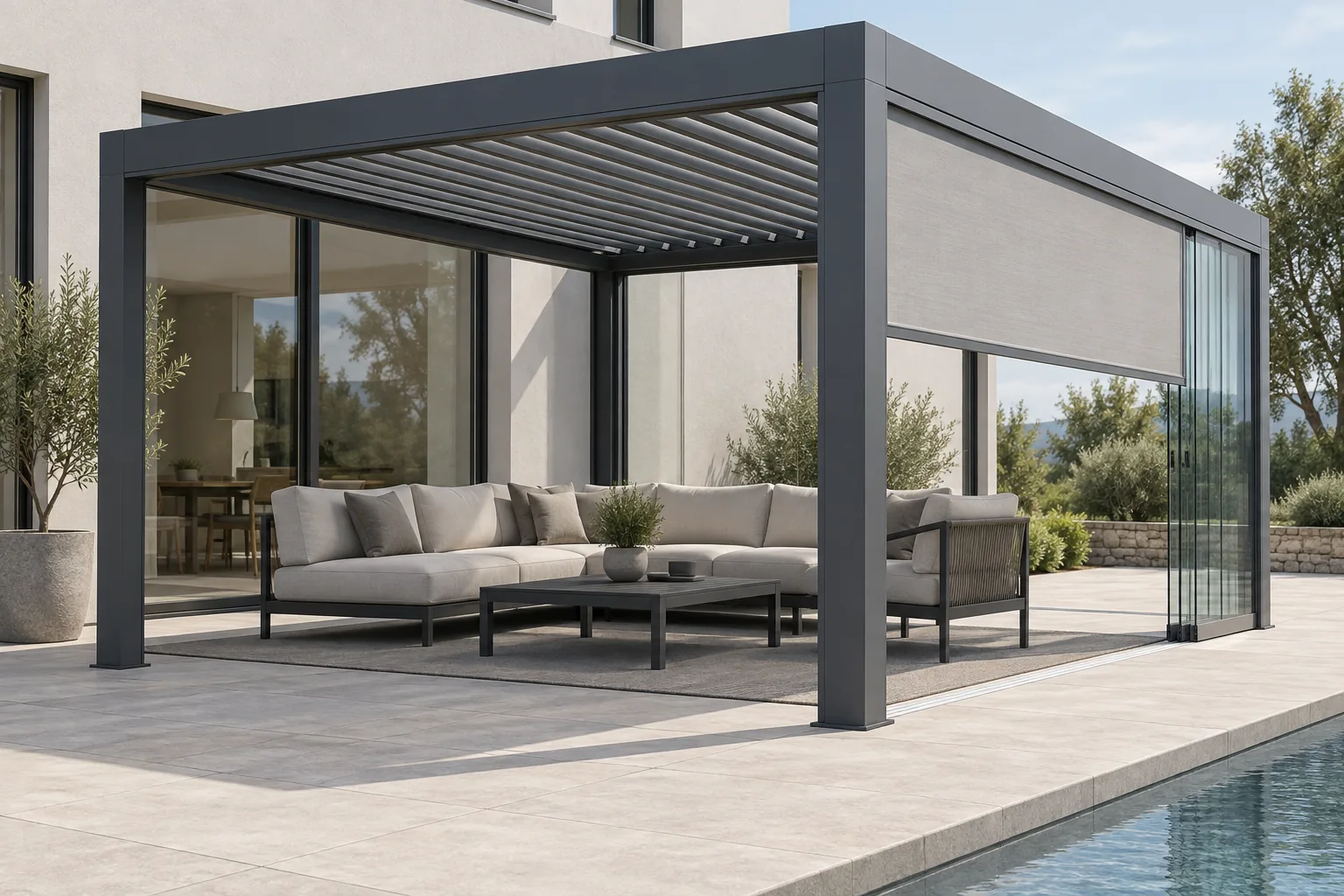
Sliding glass or ZIP screens for a bioclimatic pergola?
Compare sliding glass and ZIP screens by privacy, access and product compatibility. A practical bioclimatic pergola guide for manufacturers and dealers.
Wall-mounted or freestanding bioclimatic pergola?
Compare bioclimatic pergola layouts, post positions, building interfaces and quotation scope. Help customers understand the right arrangement for their site.